1
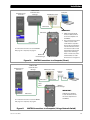
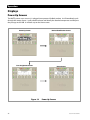
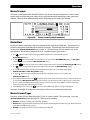
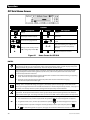
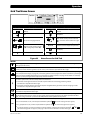
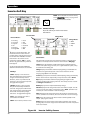
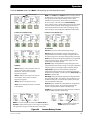
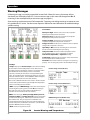
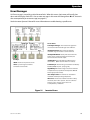
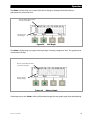
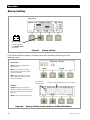
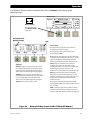
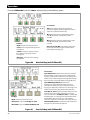
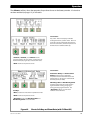
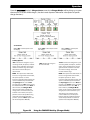
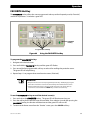
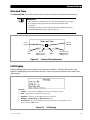
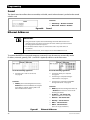
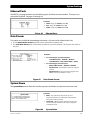
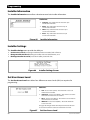
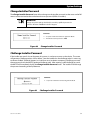
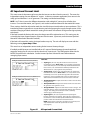
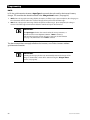
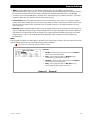
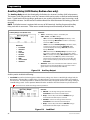
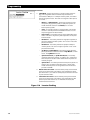
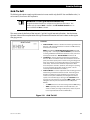
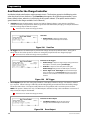
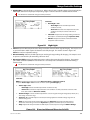
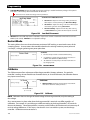
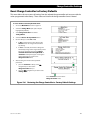
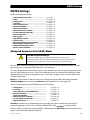
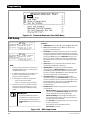
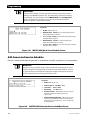
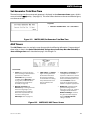
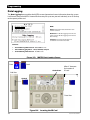
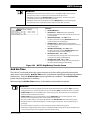
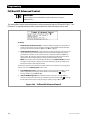
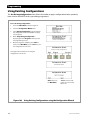
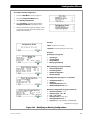
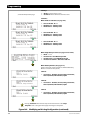
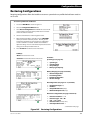
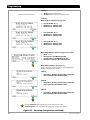
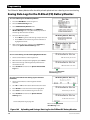
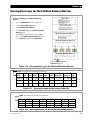
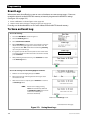
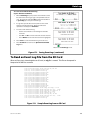
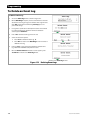
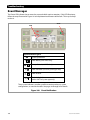
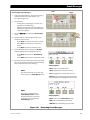
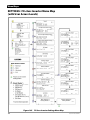
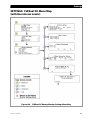
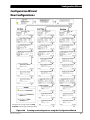
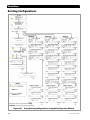
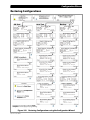
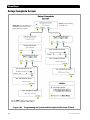
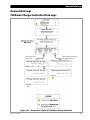
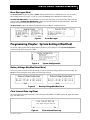
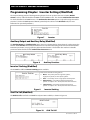
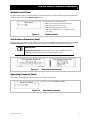
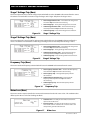
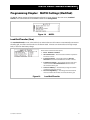
Programming FLEXnet DC Advanced Control IMPORTANT: See the FLEXnet Owner’s Manual for detailed information about the FNDC functions. This menu allows certain advanced functions to be programmed into the FLEXnet DC (FNDC). The FLEXnet DC is required to be part of the system before any of these functions can be used. Set Points: Enable Charge Termination Control - allows the battery charging to be stopped for all inverters on the system, once the charging parameters of the FLEXnet DC have been met. (See page 112 for these parameters.) Options are N (no) or Y (yes). Enable Auto Grid-Tie Control - If grid-interactive inverters are present on the system, this control allows their grid-interactive function to be turned off at midnight each night. If grid-interactive inverters are not present, this item is inoperative. Options are N (no) or Y (yes). When Y is selected, "grid-tie" mode will be enabled on grid-interactive inverters anytime the battery monitor signals that charge parameters have been met. NOTE: When grid-tie mode is enabled with this function, the Grid-Tie Enable menu item (see page 101) will change to Y (yes). The inverter will become capable of selling even if the function had been previously turned off. The next two items are both related to the system indicators on the Home screen (see pages 33 and 151) and are titled Battery Status on the screen. Low SOC Warning Level If the batteries decrease to this state of charge (SOC), an event will be registered in the event log, and the Home screen will display ! warning. Settable range is 20% to 99%. , a battery Critical SOC Warning Level If the batteries decrease to this state of charge (SOC), an event will be registered in the event log, and the Home screen will display X , a warning that the batteries have been critically discharged. Settable range is 10% to 98%. Figure 160 128 FLEXnet DC Advanced Control 900-0117-01-00 Rev C