1
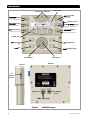
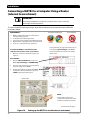
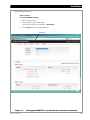
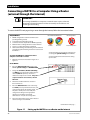
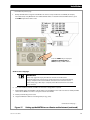
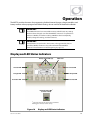
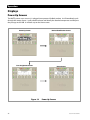
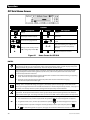
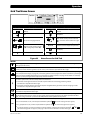
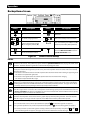
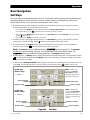
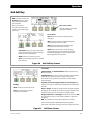
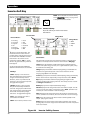
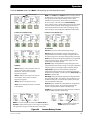
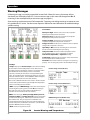
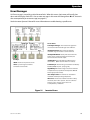
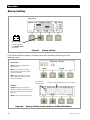
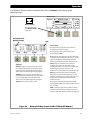
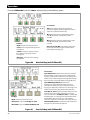
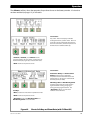
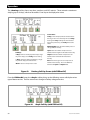
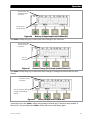
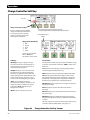
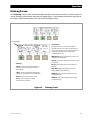
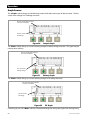
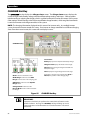
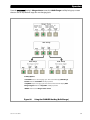
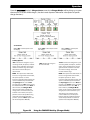
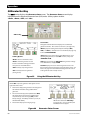
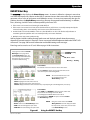
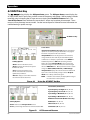
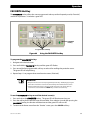
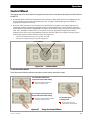
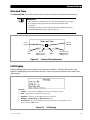
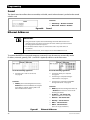
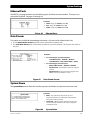
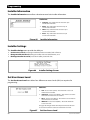
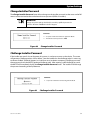
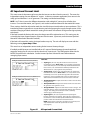
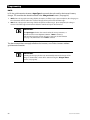
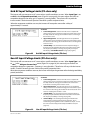
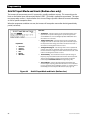
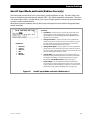
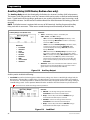
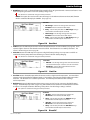
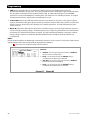
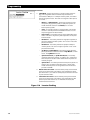
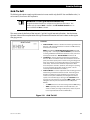
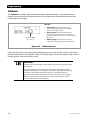
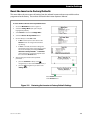
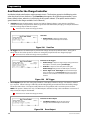
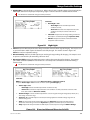
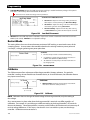
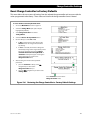
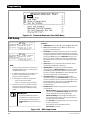
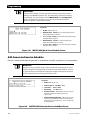
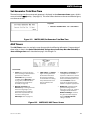
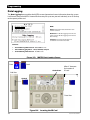
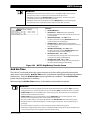
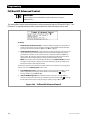
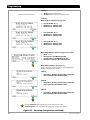
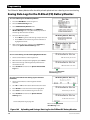
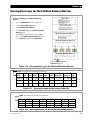
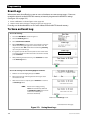
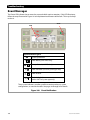
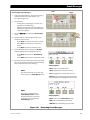
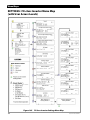
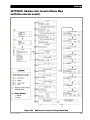
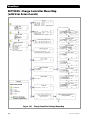
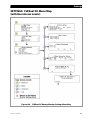
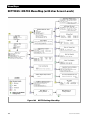
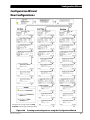
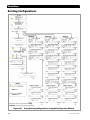
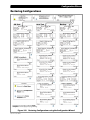
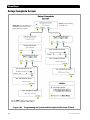
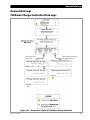
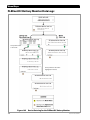
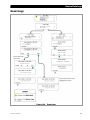
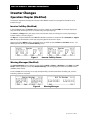
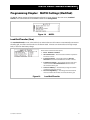
Operation Home Screens The Home screen appears after the MATE3 detects any devices that are connected to it. Home screens contain icons and meter bars that display various types of information depending on the system type selected. There are three different Home screens depending on the system type selected. Figure 20 Home Screen Symbols (example) Meter Bars Much of the Home screen data is shown by kilowatt meters in the form of black bars. These meter bars expand to the right or to the left with an increase in wattage. The meter bars next to the various icons are based on System Information listed on page 74. The scale of a bar will vary with the size set for each element. (Not all data is present in all cases. See Home Screen Types below.) The meter bar represents the charge controller output and is scaled according to the Array Wattage setting. meter bar represents inverter output and is scaled to the Gen kW Rating setting. If Gen Type is The left set to DC, this bar is scaled to the Max Inverter kW setting. The right meter bar represents the inverter’s charger output and is scaled to the Max Charger kW setting. The The left $ meter bar represents the power bought from the grid and is scaled to the total of the Max Inverter kW and Max Charger kW settings. The right $ meter bar represents the amount of power sold by the inverter and is scaled to the Max Inverter kW setting. In the Grid Tied Home screen, the meter bar represents the amount of power being used by the loads and is scaled to the Max Inverter kW setting, if the inverter is not in PassThru mode. If the inverter is in PassThru, then it is equal to 7.2 kW multiplied by the number of inverters present on the HUB. For details on PassThru mode see the Operator’s Manual for the inverter. meter bar is scaled differently. Please see page 36 for details. In the Backup Home screen, the meter bar represents the generator output and is scaled to the Gen kW Rating setting. See pages 34 through 36 for the icons and meter bars that are used with each Home screen. Home Screen Types The Home screen will vary depending on the “Type” of system installed. The system type is set in the System Information screen (see page 74). Three types are available: Off Grid is for when no utility grid is available. (Default) Grid Tied is for grid-interactive inverters that are capable of returning power back to the grid. Most commonly used with renewable energy systems. Backup is for using the inverter system to back up the utility grid. 900-0117-01-00 Rev C 33