1
BitDefender Antivirus 2009
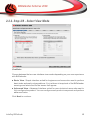
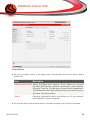
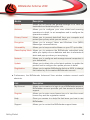
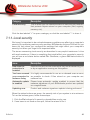
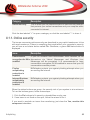
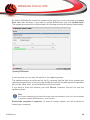
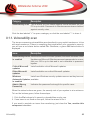
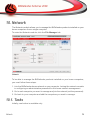
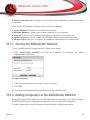
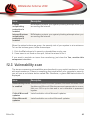
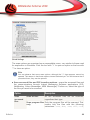
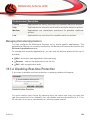
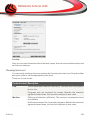
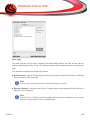
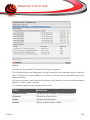
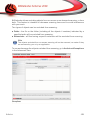
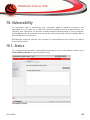
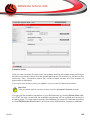
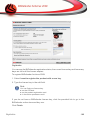
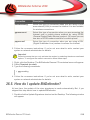
The table displays the issues covered in the last vulnerability check and their status.
You can see the action you have to take to fix each vulnerability, if any. If the action
is None, then the respective issue does not represent a vulnerability.
Important
To be automatically notified about system or application vulnerabilities, keep the
Automatic Vulnerability Checking enabled.
19.1.1. Fixing Vulnerabilities
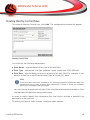
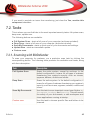
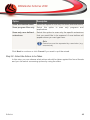
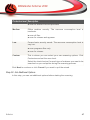
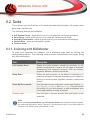
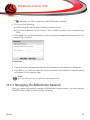
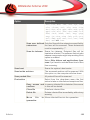
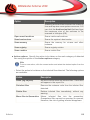
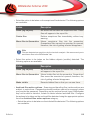
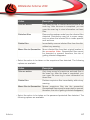
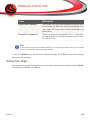
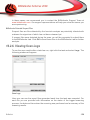
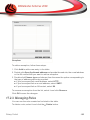
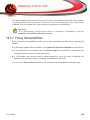
To fix a specific vulnerability, double click it and, depending on the issue, proceed as
follows:
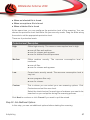
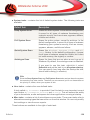
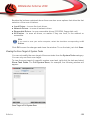
■ If Windows updates are available, click Install All System Updates to install them.
■ If an application is outdated, use the Home Page link provided to download and
install the latest version of that application.
■ If a Windows user account has a weak password, force the user to change the
password at the next logon or change the password yourself.
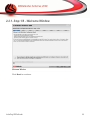
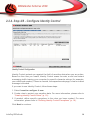
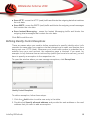
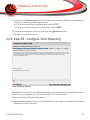
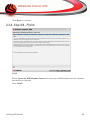
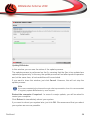
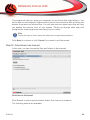
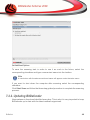
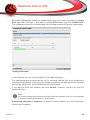
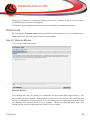
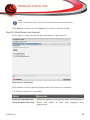
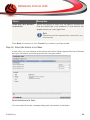
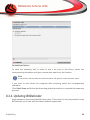
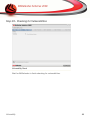
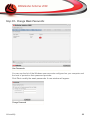
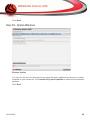
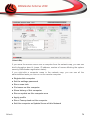
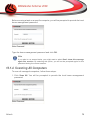
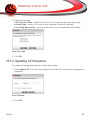
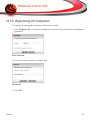
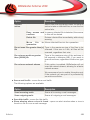
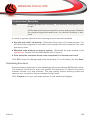
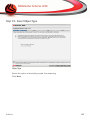
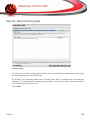
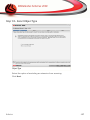
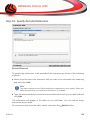
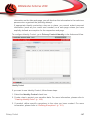
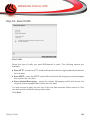
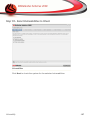
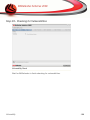
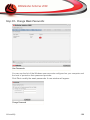
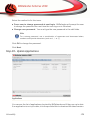
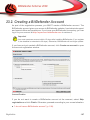
You can click Check Now and follow the wizard to fix vulnerabilities step by step.
Vulnerability
166