1
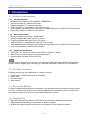
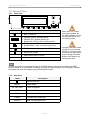
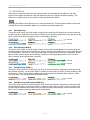
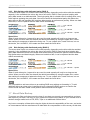
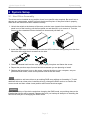
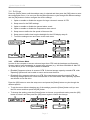
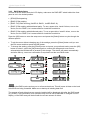
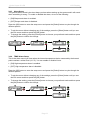
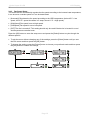
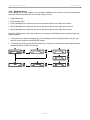
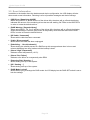
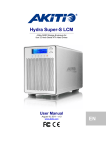
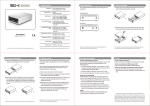
Hydra Super-S LCM Introduction 1.5 Detailed View 1.5.1 Front View LED/Button Status Blue = Power on Flashing green = Accessing data Flashing red = System starting up Steady red = Error or drive is not installed When only 2 or 3 hard drives are installed, the red LED indication for the missing hard drives can be safely ignored. Flashing yellow = Rebuilding RAID array Steady yellow = One or more faulty drive(s) RAID mode can be changed via LCD display RAID mode locked Select OK Select setup menu or mode Confirm current option or enter setup menu Changing the RAID mode requires you to re-format the drives. This will erase all data on the hard drives that are being formatted. Make sure to backup all existing data first! Note In order to prevent an accidental change of the RAID mode, it can be locked. When the RAID mode is locked, it is not possible to change or access the RAID settings via LCD display. Instead, the display will show a message saying “RAID Mode Locked”. 1.5.2 Rear View Label Description Security lock slot ON/OFF AC: 100~240V Power switch Power receptacle eSATA External SATA port FW400 FireWire 400 (1394a) port FW800 FireWire 800 (1394b) port USB 2.0 USB 2.0 High Speed port Page 2