1
USE OF PVR MANAGER WITH UFS 822/UFC 861
MP3
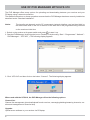
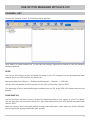
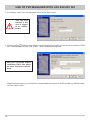
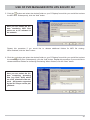
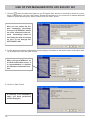
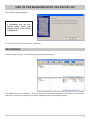
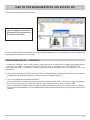
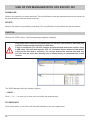
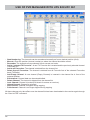
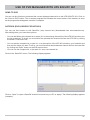
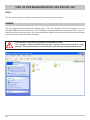
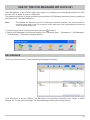
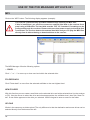
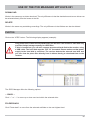
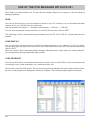
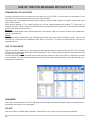
Click on the “MP3” button. The following display appears (example):
The receiver‘s hard disk only provides limited storage capacity for MP3 files.
If this is insufficient, you can also connect an external hard disk to the receiver using
a USB cable. The hard disk must be “FAT 32” formatted. Formatting can be performed
through the receiver. Please make sure that power supply to the hard disk is sufficient.
The receiver detects the external hard disk and you can play the MP3 files directly from
it without having to download them to the receiver.
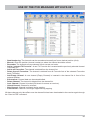
The MP3 Manager offers the following options:
← BACK →
Click “←” or “→” to move up or down one level within the selected drive.
FOLDER BACK
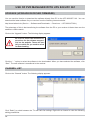
Click “Folder back” to move from the selected subfolder to the next highest level.
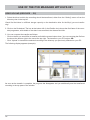
NEW FOLDER
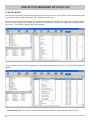
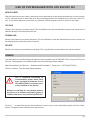
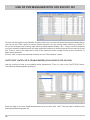
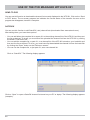
With this function you can create a new folder on the selected drive and at the selected level (on the receiver
or PC). Use the mouse to select the drive and where appropriate, the subfolder level, then click “New Folder”. A new folder appears on the drive you selected. Use the keypad to enter a name for the folder.
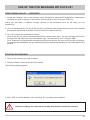
UPLOAD
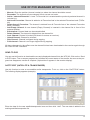
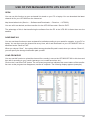
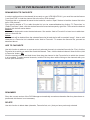
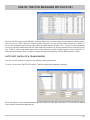
Works in the same way as video upload. The only difference is that the destination and source drives can be
selected directly from the boxes at the left.
21