1
REMOTE CLIENT SETUP
ARCHIVING
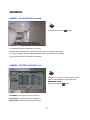
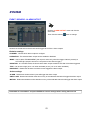
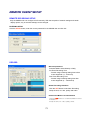
Pre-recorded footage on a DVR can be archived to the
local PC hard disk.
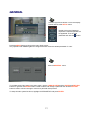
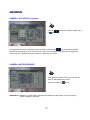
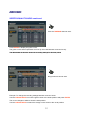
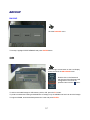
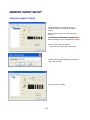
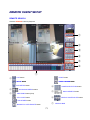
Click the ARCHIVE button to show the archiving screen.
Choose start time, end time, which channels to archive
and whether to include audio
audio.
For convenience, choosing ‘Select All’ will highlight all
available channels (including audio) for archiving.
Click OK to begin archiving data to the PC hard drive.
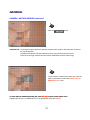
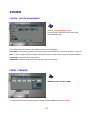
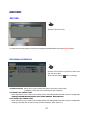
STILL SHOT
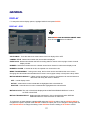
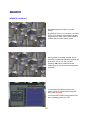
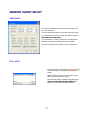
During playback, a still image can be save to the
local PC hard disk by clicking the SNAPSHOT
button.
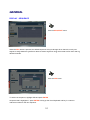
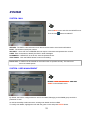
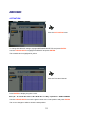
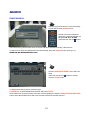
Specify the file location, file name and choose
BMP or JPG format. Click ‘Save’.
The snapshot image is saved in the same style
as the currently selected screen display
display, for
example, quad screen, single screen etc.
76