1
3
125
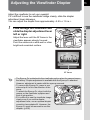
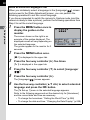
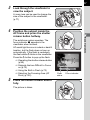
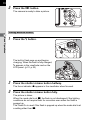
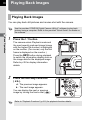
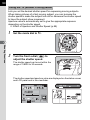
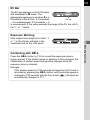
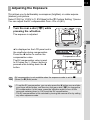
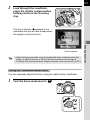
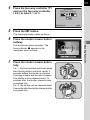
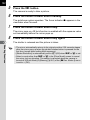
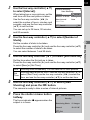
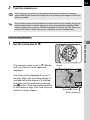
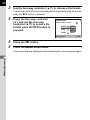
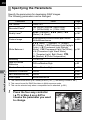
Center the subject to focus in the
viewfinder and press the shutter
release button halfway.
The focus indicator ] appears in the
viewfinder and you will hear a beep when
the subject comes into focus. (When
blinking, the subject is not in focus.)
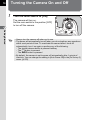
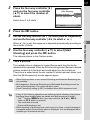
4
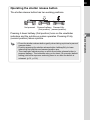
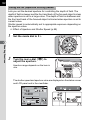
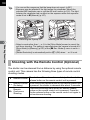
Lock the focus.
Keep the shutter release button pressed halfway. The focus will remain
locked.
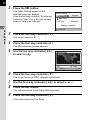
5
• The focus is locked while the focus indicator ] is displayed.
• Turning the zoom ring with the focus locked may cause the subject to be out
of focus.
• The beep that sounds when the image is focused can be turned off. (p.257)
4
Shooting Functions
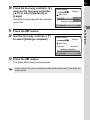
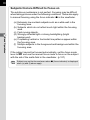
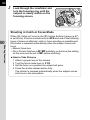
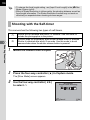
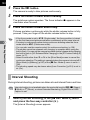
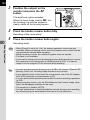
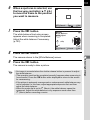
Recompose the picture while
keeping the shutter release
button pressed halfway.