1
HAL Manual V2.5, 2011-05-15
29 / 57
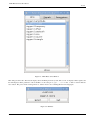
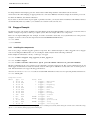
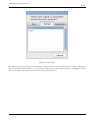
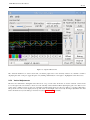
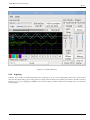
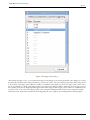
Figure 2.12: Sample Rate Dialog
2.5.7
More Channels
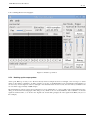
Now let’s look at the step pulses. Halscope has 16 channels, but for this example we are using only 4 at a time. Before we select
any more channels, we need to turn off a couple. Click on the channel 2 button, then click the "Chan Off" button at the bottom
of the "Vertical" box. Then click on channel 3, turn if off, and do the same for channel 4. Even though the channels are turned
off, they still remember what they are connected to, and in fact we will continue to use channel 3 as the trigger source. To add
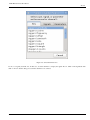
new channels, select channel 5, and choose pin "stepgen.0.dir", then channel 6, and select "stepgen.0.step". Then click run mode
"Normal" to start the scope, and adjust the horizontal zoom to 5mS per division. You should see the step pulses slow down as
the velocity command (channel 1) approaches zero, then the direction pin changes state and the step pulses speed up again. You
might want to increase the gain on channel 1 to about 20m per division to better see the change in the velocity command. The
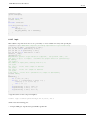
result should look like the following figure.