1
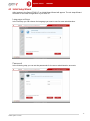
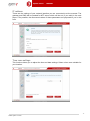
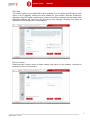
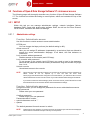
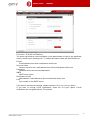
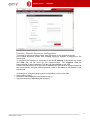
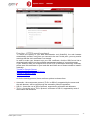
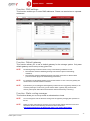
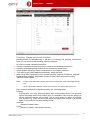
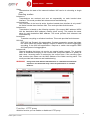
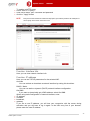
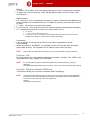
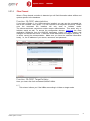
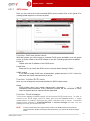
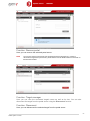
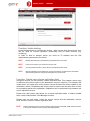
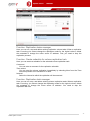
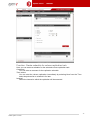
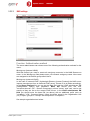
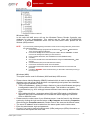
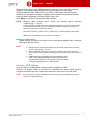
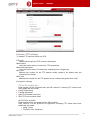
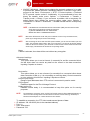
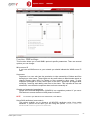
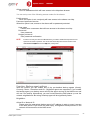
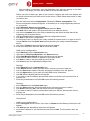
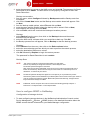
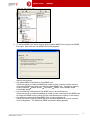
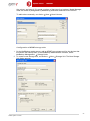
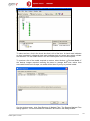
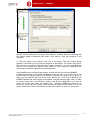
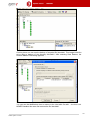
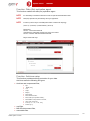
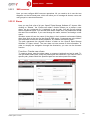
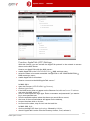
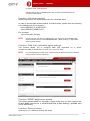
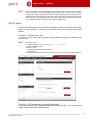
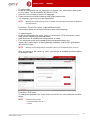
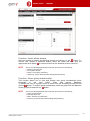
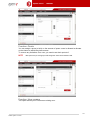
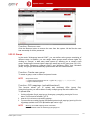
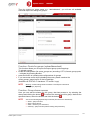
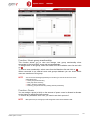
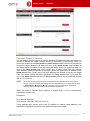
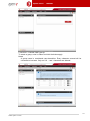
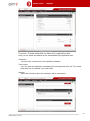
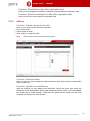
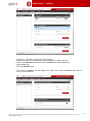
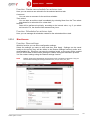
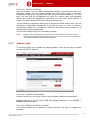
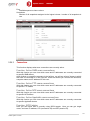
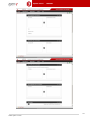
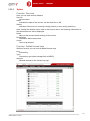
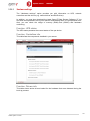
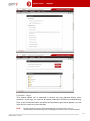
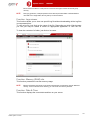
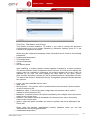
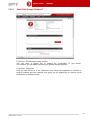
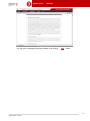
Open-E DSS V7 MANUAL Function: Remote console access By using this function you can manage console tools remotely via the SSH protocol (secure shell). The default user is called cli and cannot be altered. However, the password can be changed. Allow IP Here you can assign IP addresses (separated by a semicolon) which are granted remote access to the server. If left blank, the field indicates no restrictions. Set port The default port is 22222 for security reasons, seeing as high-number ports are invisible to port scanners. You can change the setting only to a port within the 102465535 range. You cannot indicate ports already in use. Password Password length is minimum 8 characters. Be sure to use strong passwords. Confirm password Please retype your new password. Password cannot contain: special characters such as ' " ` ^ & $ # [ ] \/ | *, spaces To connect to the server from Linux/MacOSX systems use: ssh -2 -p 22222 -l cli address_ip where: option: -2 indicates the SSH protocol version used for connection, option: -p indicates the remote access port, option: -l indicates the user (the user needs to be cli), option: address_ip indicates the address of the server you want to connect to. You will be asked for the remote access password you have entered on the server. To connect to the server from Microsoft Windows, download the free SSH client (Putty): in the Host Name (or IP address) field please enter the IP address of the server, in the Port field please enter the same port as in the server GUI (default 22222), in the Protocol field please select SSH, 36 www.open-e.com