1
Meijer.com
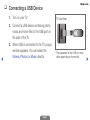
Using Option Menu t
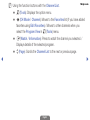
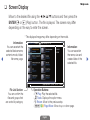
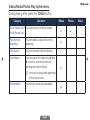
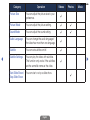
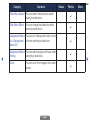
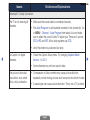
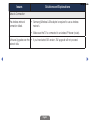
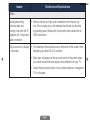
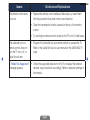
Manage channels using the Channel List menu options (Program View, Edit
Favorites, Channel Name Edit, Delete, Information, Change Antenna, Edit
Mode).
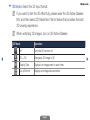
1. Use the arrow buttons to select a channel, and then press the TOOLS button.
2. Select an option, and then press ENTERE to activate the option or change
its settings.
◀
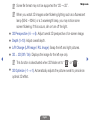
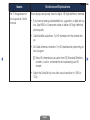
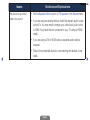
●● Program View (digital channels only): Displays the program when digital
channel is selected.
English
▶