1
25
5 Inch Network Medium Speed Dome User Manual
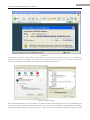
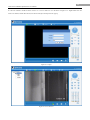
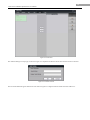
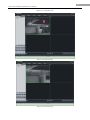
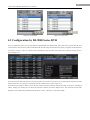
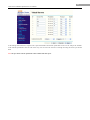
Figure 4.1.1
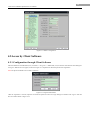
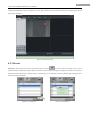
If it still fails to install the ActiveX Control, please open the IE browser and set the security level to Low in Tools/Internet
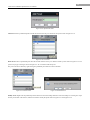
Options/Security/Customize or enable the ActiveX Controls and Plug-Ins directly. Refer to Figure 4.1.2. For safety on the Internet,
once you can view the video from camera, the security level can be resumed to “default level”.
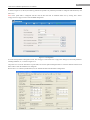
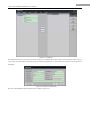
Figure 4.1.2 Security Settings
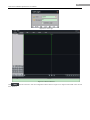
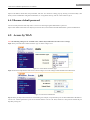
The dome has the default IP as 192.0.0.64, default port as 8000, user name as admin and password as 12345. The administrator can
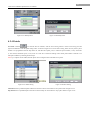
create up to 15 separate operators with different permission levels. To access the dome through IE, input the IP address in the address
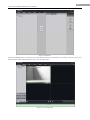
column, and the Login dialog box will pop up as Figure 4.1.3. Input your user name and password, and then click Login to enter the