1
8.0 SAMs Skill Test
Study Plans and
Resource Lists
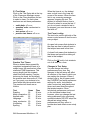
Generated by the user’s TABE
results, the study plan lists print and
software learning materials that
target the user’s skill deficiencies.
Administrators and teachers can
access student study plans by
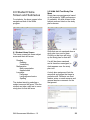
selecting Test and Study Plan
Manager on their home screens and
choosing SAMs Skill Tests and
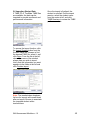
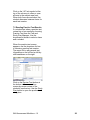
Study Plans. Select a class and
student from the dropdown menus,
and click on an assignment sheet
icon in the study plan column to bring
up that student's study plan.
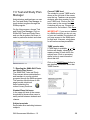
In addition, the teacher can control
assignments by simply clicking on
the study plan button, changing it
from A (assigned) to U (unassigned)
or vice versa.
8.2 Customizing the Study Plan
Resource List
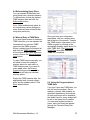
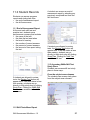
The program administrator can add,
delete, or modify resources on the
master resource list. Updates to the
master resource list, including the
newest textbooks and software, are
available for download. The
administrator can also backup and
restore the resource list. See the
Administrator: Classroom Manager
section of this manual for more
details.
8.1 Creating a SAMs Skill Test
Study Plan
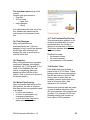
The basic study plan is automatically
generated by the program based on
a student's TABE scores. Instructors
can review and personalize study
plans by
• assigning specific titles
• adding notes specific to each
assignment
• adding comments addressed
specifically to the student
Skill Assessment Modules v 1.0
21