1
Section 3 – Configuration
Advanced Setup
This chapter includes the more advanced features used for network management and security as well as administrative tools to manage the Router,
view status and other information used to examine performance and for troubleshooting.
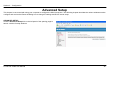
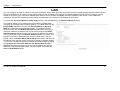
WAN
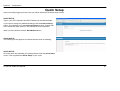
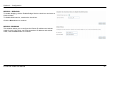
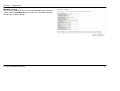
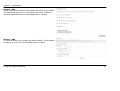
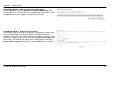
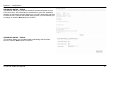
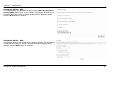
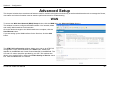
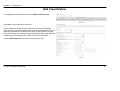
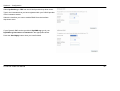
To access the Wide Area Network (WAN) Setup window, click the WAN link in the Advanced Setup directory.
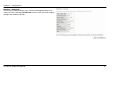
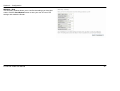
This window is used to configure the WAN interface. You can add, delete
and modify WAN interfaces on this window.
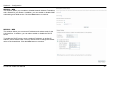
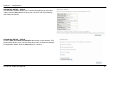
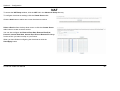
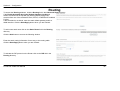
Once the desired changes to the WAN interface are complete, click the
Save/Reboot button.
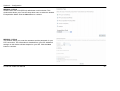
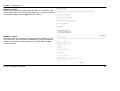
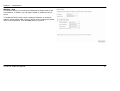
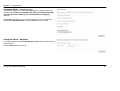
If you are setting up the WAN interface for the first time, click the Add
button.
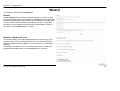
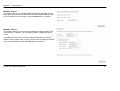
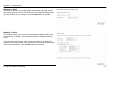
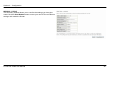
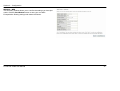
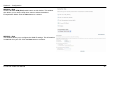
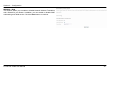
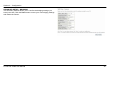
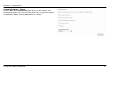
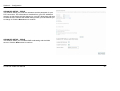
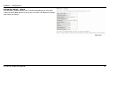
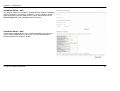
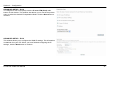
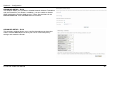
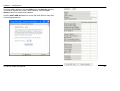
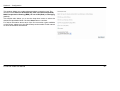
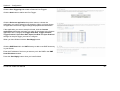
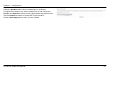
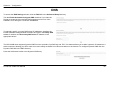
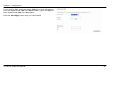
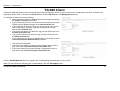
The ATM PVC Configuration window allows you to set up an ATM PVC
configuration. Enter a Port Identifier in the PORT field, Virtual Path
Identifier in the VPI field and Virtual Channel Identifier in the VCI field. The
VPI and VCI values should be provided by your ISP. This window also
allows you to enable QoS by ticking the Enable Quality of Service check
box. Click the Next button to continue.
D-Link DSL-526B User Manual
55