1
FastTrak TX2200/2300, TX4200/4300 User Manual
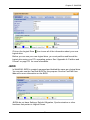
Physical Drive Information
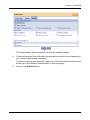
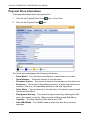
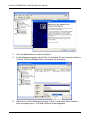
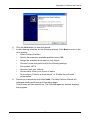
To access information about a physical drive:
1.
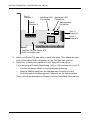
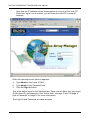
Click on the Physical Drive View
2.
Click on the Physical Drive
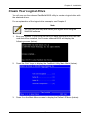
icon in Tree View.
icon.
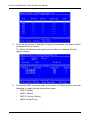
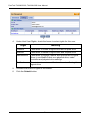
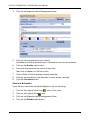
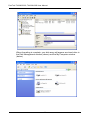
The information tab displays the following information:
•
Drive Model – The disk drive manufacturer’s model name or number.
•
Serial Number – The serial number of this disk drive.
•
Firmware Version – The version number of the firmware on this disk drive.
•
Enclosure – The model of SuperSwap enclosure in which the disk drive is
installed. If there is no SuperSwap enclosure, the field says None.
•
Drive Status – The operational of this disk drive. Functional means normal.
Others include Offline.
•
Background Activity – The current background activity affecting this disk
drive. Idle means no activity. Others include Initializing and Rebuilding.
•
Capacity – The data capacity of this disk drive in GB.
•
Ultra DMA Mode – The UDMA mode in which this disk drive currently
operates.
64