1
Available Reports
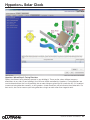
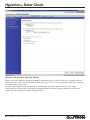
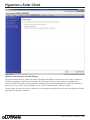
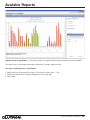
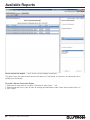
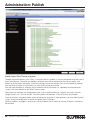
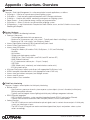
System Activity Report – “What activity occurred in [selected areas] over [time period]?”
This report gives a list of activity that has happened in the Quantum® system (or in specified areas) over a given
period of time. The report will display all events of the specified types that happened in the specified areas within
the date range. Activity filters are as follows:
· Occupant Activity: Areas going occupied/unoccupied; wall controls being pressed
· Time Clock Activity: Time Clock events being executed
· Building Manager Activity: Q-AdminTM activity, including login/logout, and real-time changes to the lighting
system.
· Status Activity: Zone level changes, area scene changes, etc.
· Device Failure Activity: Devices becoming unresponsive
· Lamp Failure Activity: Lamp failures reported by EcoSystem®/DALI ballasts
· Sensor Activity: Occupancy sensor state changes (occupied and unoccupied)
· Ballast Failure / Auto Replacement Activity: Shows when ballast failures have occurred or when new ballasts
have been installed and auto-replaced
· System Errors: Error codes reported by the system
· BACnet Activity: Lights, shades, and other system objects changed through BACnet
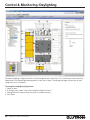
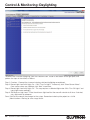
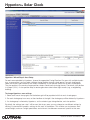
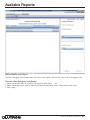
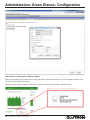
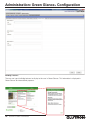
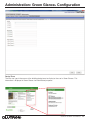
To create a System Activity Report:
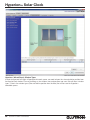
1. Select one or more areas by using the “Click here to select Areas…” link.
2. Choose the time span for which to display activity by using the “over the…” dropdown menu. If selecting
“Custom,” specify the start date and end date.
3. Select the desired activity types to show by clicking the checkboxes under “Filter Events".
4. Click “Apply".
58
QuantumR Q-AdminT User Manual
®