1
VQT1A24_ENG_PP.book 44 ページ
2007年1月21日 日曜日 午後1時17分
Recording
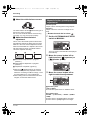
ª About auto mode
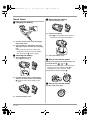
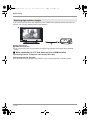
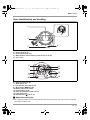
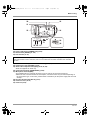
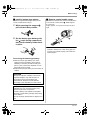
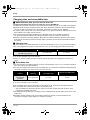
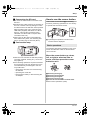
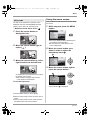
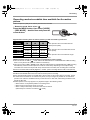
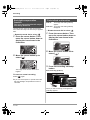
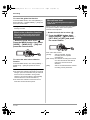
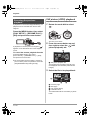
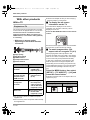
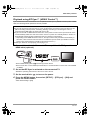
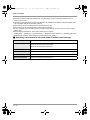
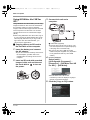
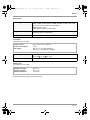
Set the AUTO/MANUAL/FOCUS switch to
AUTO, and color balance (white balance) and
focusing will be adjusted automatically.
AUTO
MANUAL
FOCUS
– Automatic white balance (l 123)
– Auto focus (l 124)
Depending on the brightness of the subject etc.,
the aperture and shutter speed are automatically
adjusted for an optimum brightness.
(The shutter speed is adjusted to a maximum of
1/250 in recording mode.)
≥Color balance and focus may not be adjusted
automatically depending on light sources or
scenes. If so, manually adjust these settings.
– Scene mode setting (l 63)
– White balance setting (l 65)
– Shutter speed setting (l 66)
– Iris/gain value setting (l 66)
– Manual focus setting (l 64)
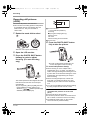
Auto Ground-Directional
Standby (AGS)
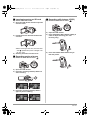
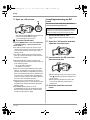
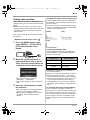
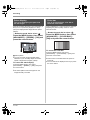
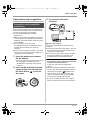
This function prevents unnecessary recording
when you forget to pause recording and walk
with the unit tilted upside down while recording
continues.
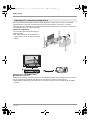
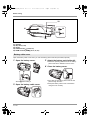
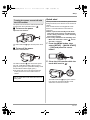
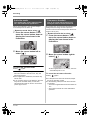
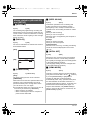
≥If the unit continues to be tilted upside down
from the normal horizontal position while
recording motion pictures, it is automatically put
into recording pause.
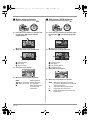
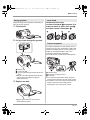
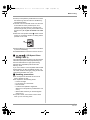
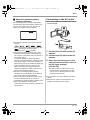
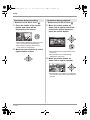
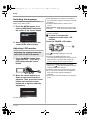
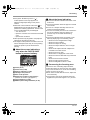
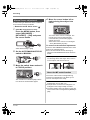
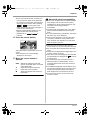
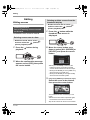
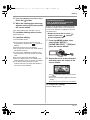
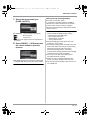
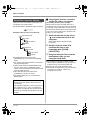
Turning the AGS function on/off
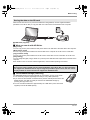
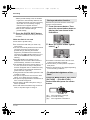
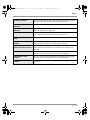
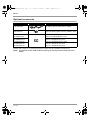
¬ Rotate
the mode dial to select
.
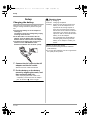
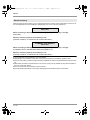
Press the MENU button, then select
[VIDEO] # [AGS] # [ON] or [OFF]
and press the cursor button.
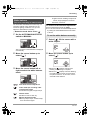
≥This function’s default setting is [OFF].
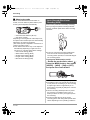
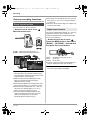
≥The AGS function may activate and cause the
unit to pause the recording if you are recording
a subject right above or right below you. In
these cases, set [AGS] to [OFF] then continue
the recording.
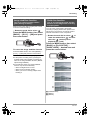
≥Use the recording start/stop button to pause
the recording. The AGS function is only a
backup function for when you forget to pause
the recording.
≥The time it takes the unit to be put into
recording pause after being tilted upside down
varies depending on the operating conditions.
44
VQT1A24