1
Parameters
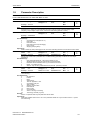
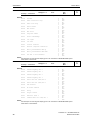
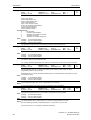
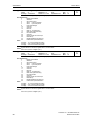
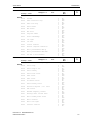
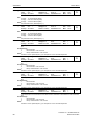
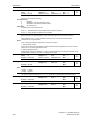
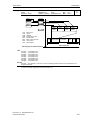
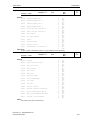
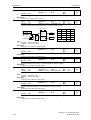
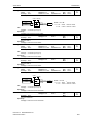
P0801[3]
Issue 08/02
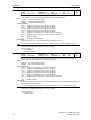
BI: Download parameter set 1
CStat:
CT
P-Group: COMMANDS
Datatype: U32
Active: first confirm
Unit: QuickComm. No
Min:
Def:
Max:
0:0
0:0
4000:0
Level:
3
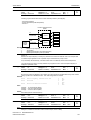
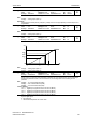
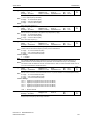
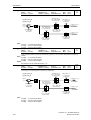
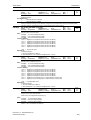
Defines sources of command to start download of parameter set 1 from attached AOP. The first three digits
describe the parameter number of the command source, the last digit refers to the bit setting for that
parameter.
Index:
P0801[0] : 1st. Command data set (CDS)
P0801[1] : 2nd. Command data set (CDS)
P0801[2] : 3rd. Command data set (CDS)
Common Settings:
722.0 = Digital input 1 (requires P0701 to be set to 99, BICO)
722.1 = Digital input 2 (requires P0702 to be set to 99, BICO)
722.2 = Digital input 3 (requires P0703 to be set to 99, BICO)
722.3 = Digital input 4 (requires P0704 to be set to 99, BICO)
722.4 = Digital input 5 (requires P0705 to be set to 99, BICO)
722.5 = Digital input 6 (requires P0706 to be set to 99, BICO)
Note:
Signal of digital input:
0 = No download
1 = Start download parameter set 1 from AOP.
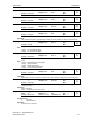
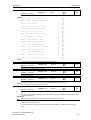
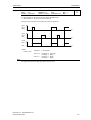
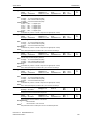
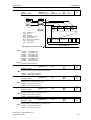
P0809[3]
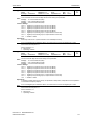
Copy command data set (CDS)
CStat:
CT
P-Group: COMMANDS
Datatype: U16
Active: first confirm
Unit: QuickComm. No
Min:
Def:
Max:
0
0
2
Level:
3
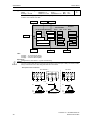
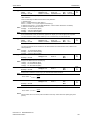
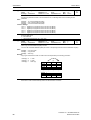
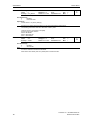
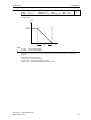
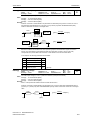
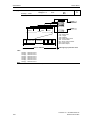
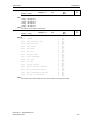
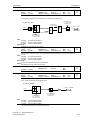
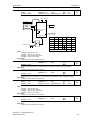
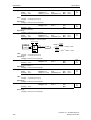
Calls 'Copy Command Data Set (CDS)' function.
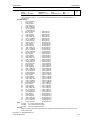
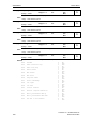
The list of all Command Data Sets (CDS) are shown in the opening instructions of the Parameter List (PLI).
Index:
P0809[0] : Copy from CDS
P0809[1] : Copy to CDS
P0809[2] : Start copy
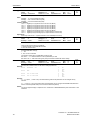
Example:
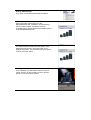
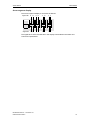
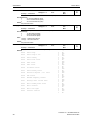
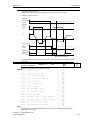
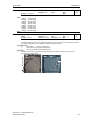
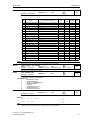
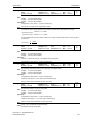
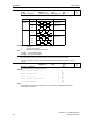
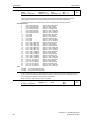
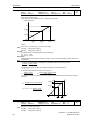
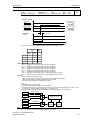
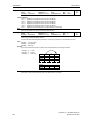
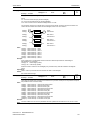
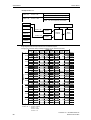
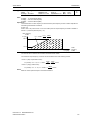
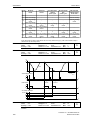
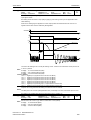
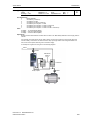
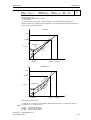
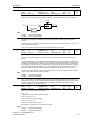
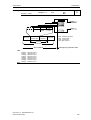
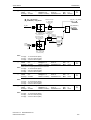
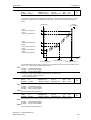
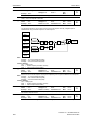
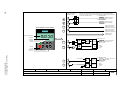
Copying of all values from CDS1 to CDS3 can be accomplished by the following procedure:
P0819[0] = 0
P0819[1] = 2
P0819[2] = 1
1. CDS
3. CDS
Start copy
P0700
P0701
P0702
P0703
P0704
..
..
.
[0]
[1]
[2]
..
..
.
..
..
.
..
..
.
P2253
P2254
P2264
1. CDS
2. CDS 3. CDS
Note:
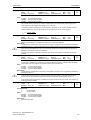
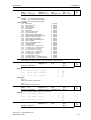
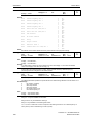
Start value in index 2 is automatically reset to '0' after execution of function.
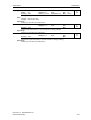
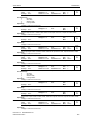
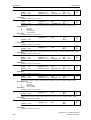
Parameter List
66
MICROMASTER 430
6SE6400-5AF00-0BP0