1
OPERATION
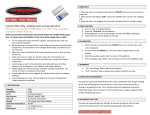
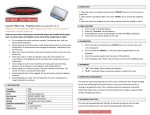
1. Place scale on a horizontal flat surface, press
[ON/OFF] key to turn on the scale.
2. Wait until "0.0" or “0.00” is displayed.
3. Put the object(s) on the weighing platform.
4. Press [UNITS] key to select a weighing unit.
TARE SETTING
1. Turn on scale as described above.
2. Place the "tare item" on the platform.
3. Press [TARE] and wait until "0.0" is displayed.
4. Add the "net-weight-item”.
CALIBRATION
1. Turn on the scale by pressing [ON/OFF] key.
2. Wait until the LCD displays “0.00” and then
press and hold [UNITS] key until the “CAL” is
displayed, and then release the [UNITS] key.
3. Press [UNITS] key again, the LCD will display the
required calibration weight.
4. Place the required calibration weight and wait 3
seconds, the display will show “PASS” and
return to normal weighing mode.
5. Calibration is complete.
SPECIFICATIONS
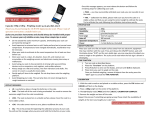
Capacity
100g
Readability 0.01g
Modes
dwt, ozt, ct, gn, oz, g
Calibration 100g
Tare Range Full capacity
Auto Off
60 seconds off
Op. Temp 10 to 30 degree C
Power
2x AAA
Scale Dim. 135mm x 82mm x 20mm
Tray
77mm x 67mm
DISPLAY ERROR MESSAGES
[Lo]
Change the batteries
[OUE2]
Recalibrate the scale as
shown above
[O_LD]
You are overloading the
scale. Remove the excessive
load immediately
[UnST]
Use the scale in a more
stable position