1
User Management Manual v1.1
3.5.
Set up an Administrator account
An Administrator account is set up at the school level to assist the school head in managing user
accounts of school personnel.
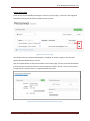
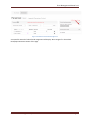
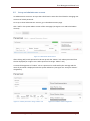
To set up a school administrator account, go to the Administration page.
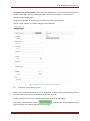
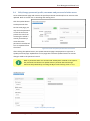
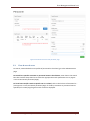
Click “Add” in the System Admin section of the main page (see Figure 3.5-1 Add school admin
account)
Figure 3.5-1 Add school admin account
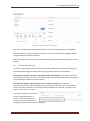
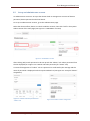
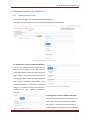
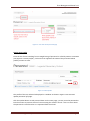
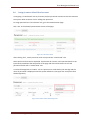
After clicking Add, search personnel to be set up with the “Admin” role. Select personnel from
the list displayed (as in Figure 3.5-2 Select personnel to assign "admin" role)
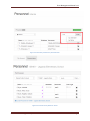
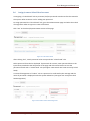
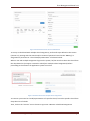
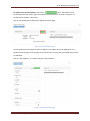
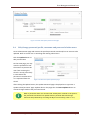
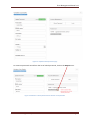
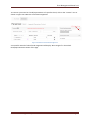
A successful assignment of “admin” role to a personnel is confirmed by the message and the
name of personnel is displayed under the System Admin list (see Figure 3.5-3 Confirm "admin"
assignment)
Figure 3.5-2 Select personnel to assign "admin" role
User Accounts Management System Manual v1.1
Figure 3.5-3 Confirm "admin" assignment
Page 18