1
User Manual – Rev F
Lx / Ls Series
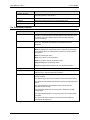
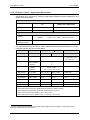
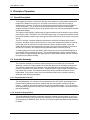
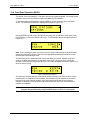
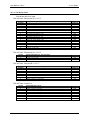
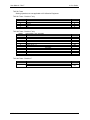
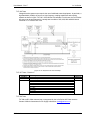
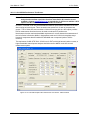
4.2.11 APPLICATIONS Menu
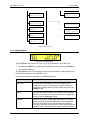
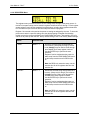
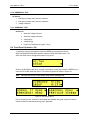
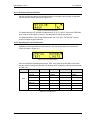
The Applications menu provides access to application specific firmware functions if available.
Note that there may be no applications installed in which case this screen will still be shown but
has no function.
Possible applications are DO160 and MIL704. To access either of the application screens,
position the cursor on the APPLICATIONS entry and press the ENTER key. Select the desired
application and press ENTER. For information on using these applications, see sections 8 and
9.
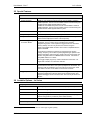
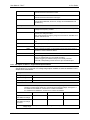
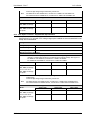
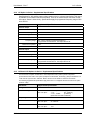
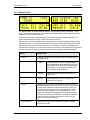
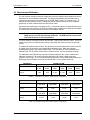
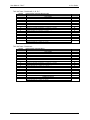
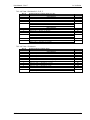
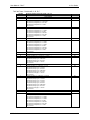
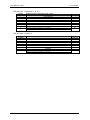
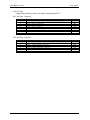
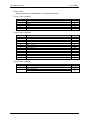
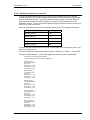
4.2.12 OPTIONS Menu
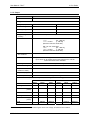
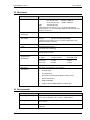
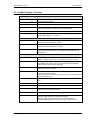
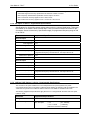
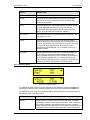
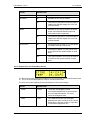
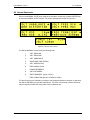
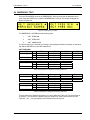
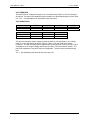
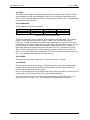
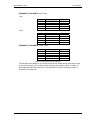
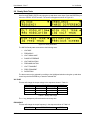
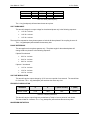
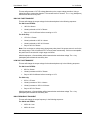
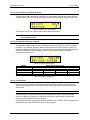
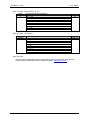
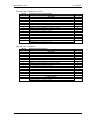
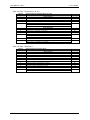
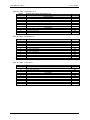
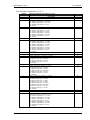
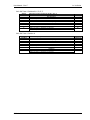
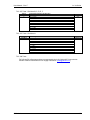
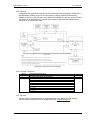
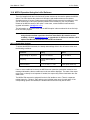
The Options menu provides access to available optional features. Note that there may be no
options installed in which case this screen will still be shown but has no function. The option
setting are protected and cannot be changed by the user. These screens are provided for
information purposes only.
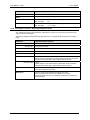
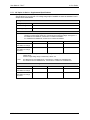
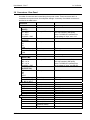
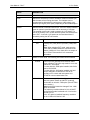
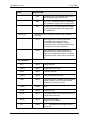
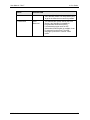
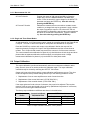
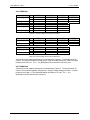
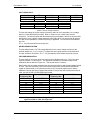
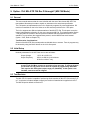
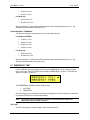
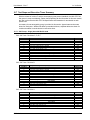
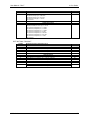
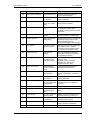
ENTRY
LANGUAGE
California Instruments
DESCRIPTION
N/A
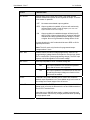
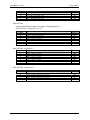
Standard SCPI command language.
ON
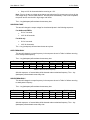
Ls Model may be equipped with the APE
(Abbreviated Plain English) language option
for backward compatibility with California
Instrument’s L Series AC power source.
If APE is installed, the language mode can be
selected over the bus or from the
CONFIGURATION screen. (see section
78