1
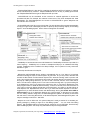
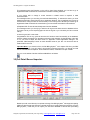
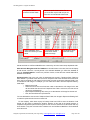
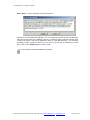
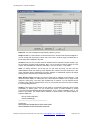
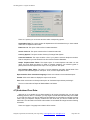
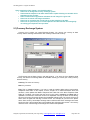
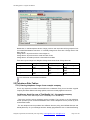
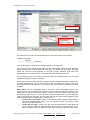
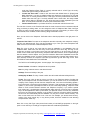
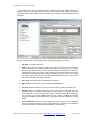
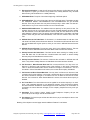
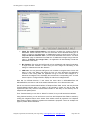
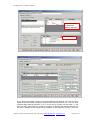
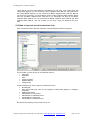
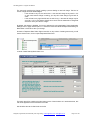
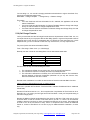
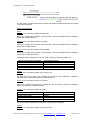
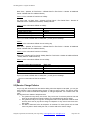
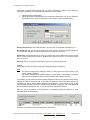
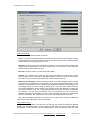
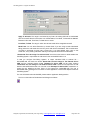
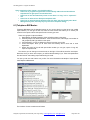
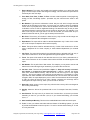
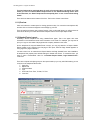
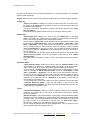
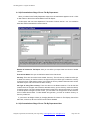
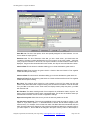
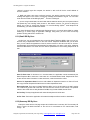
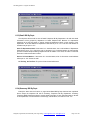
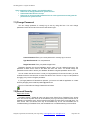
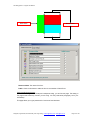
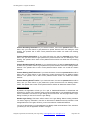
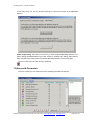
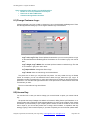
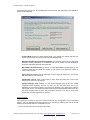
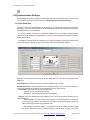
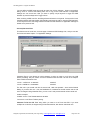
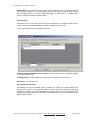
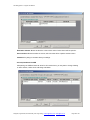
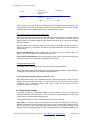
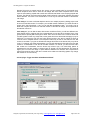
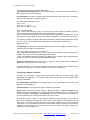
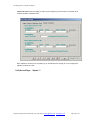
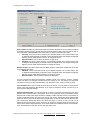
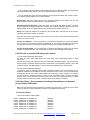
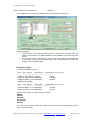
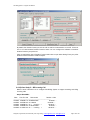
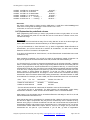
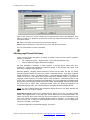
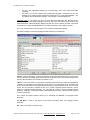
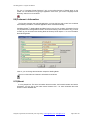
Pbx Billing System - English User Manual Rate Order: Because you can define multiple rate records on this list, we need a way to short your rate record. Then, the billing software will take one by one rate record from the first one on this list to calculate the call charge. Example below will explain more. Applied Blocks: For each record, you decide how many blocks this rate should be applied for. For example, I make a call lasting for 6 blocks. The steps taken to calculate the call charge are: Take the first record on the list, this rate record applied for 2 blocks at rate of 4000 There are 4 blocks left. Take the second rate record, this rate record can be applied for 5 blocks. Actually we still have 4 blocks. It is OK, we charge these 4 blocks at rate of 3900 for each. How about the call lasting for 100 blocks? 2 first blocks will be charged at rate of 4000 for each Next 5 blocks will be charged at rate of 3900 for each Next 6 blocks will be charged at rate of 3800 for each The remaining 87 blocks will be charged at rate of TelCo, which is 2273 for each block. 5.3.4)Be able to set multiple call charges by dial time per Area Code The call charge is changing from time to time. If you only keep the latest call charge rate, your bill is only correct for the new-made call with the dial date later than the EffectedDate of the call charge rate. But you might need to rebill the call in the past. In this case, the old calls will be applied the later call charge table. Pbx Billing SystemT M allows you to keep multiple call charge records for one Area Code. Each record will be attached a field look like the time stamp. The field is called EffectedDate. The dial date of given call will be compared again the EffectedDate to find out the right rate. On the Call Charge Rate Tables form, the latest rate will be displayed if there are multiple one for given Area Code. For example, you may have two call rates for the call made to Ha Noi as follows: Effected Date 01/10/2000 01/10/2002 First Block Rate 4500 4010 Additional Block Rate 2500 2060 Thus, the second rate record with First Block Rate = 4010 and Additional Block Rate = 2060 will be displayed on the Call Charge Rate Tables. To see all the rate record of an Area Code, you click on the “+” sign on the left of Area Code field. A sub form will be opened. On the sub form, you will find EffectedDate at first column and the other call charge information. You can edit the call charge directly on this form. Double click on EffectedDate to open electronic calendar to quickly select a desired date. 5.3.5)The rate selection order Recall 4 concepts: Detail Rate: Is the rate you define directly for each Area Code. Charge Template: The pointer of given Area Code, which points to Charge Template Area Code. Call Charge by Charge Template is a way to indirectly calcalate the call charge. The advantages of this model is reducing the time you have to input the rate and also update later on if the rate change in the future. Charge Group: Distance Charge: The call charge will be calculated upon the distance between the source and the destination of the call. To do this call charge model, you have to define the relative distance for destination. In fact, this model is only be applied for Inter-Province call of Viet Nam. Designed, Programmed, Documented By Tran Hong Quang, [email protected]; [email protected] Page 52 of 168