1
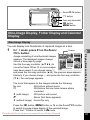
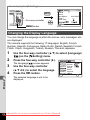
Protect
Q button
Four-way controller
4 button
MENU
Cancel
OK
OK
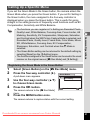
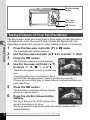
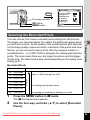
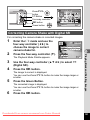
Protecting Images and Sound Files from Deletion
(Protect)
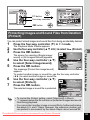
You can protect stored images and sound files from being accidentally deleted.
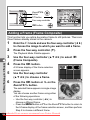
1
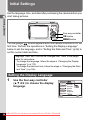
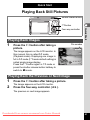
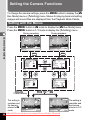
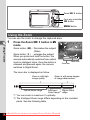
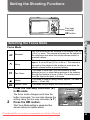
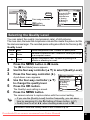
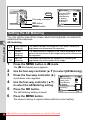
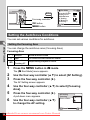
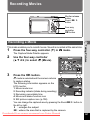
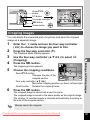
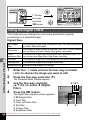
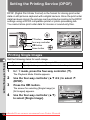
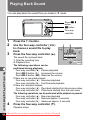
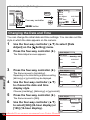
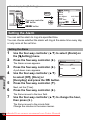
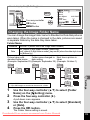
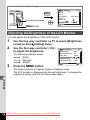
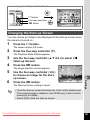
Press the four-way controller (3) in Q mode.
2
3
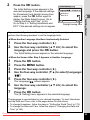
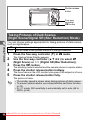
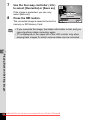
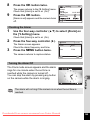
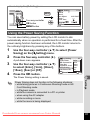
Use the four-way controller (2345) to select Z (Protect).
Press the 4 button.
5
6
7
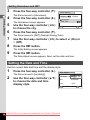
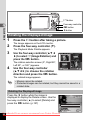
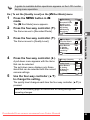
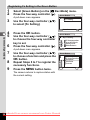
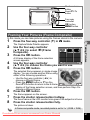
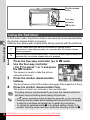
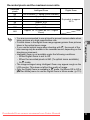
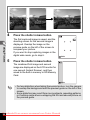
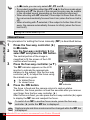
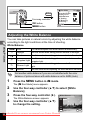
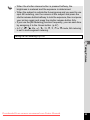
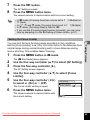
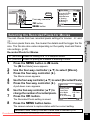
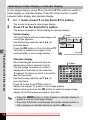
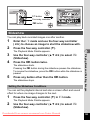
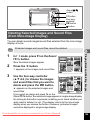
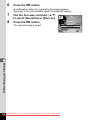
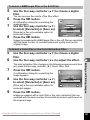
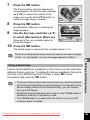
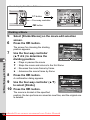
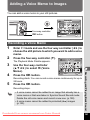
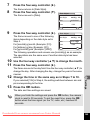
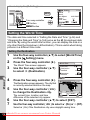
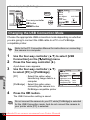
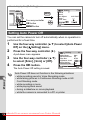
The screen for selecting [Single image/
sound] or [All Images/Sounds] appears.
Single image/sound
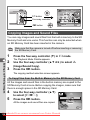
Use the four-way controller (23)
to select [Select image/sound].
Press the 4 button.
All Images/Sounds
Cancel
OK
OK
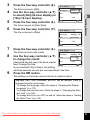
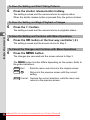
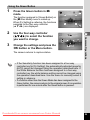
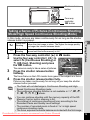
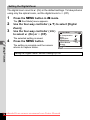
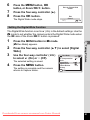
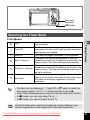
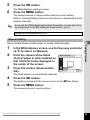
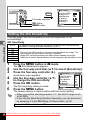
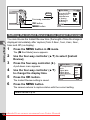
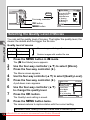
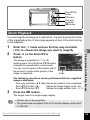
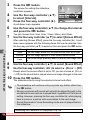
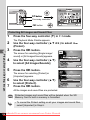
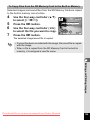
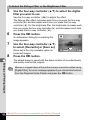
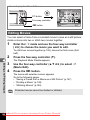
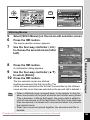
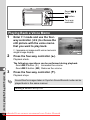
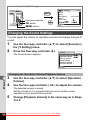
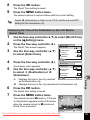
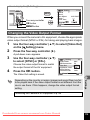
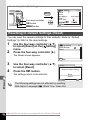
The message [Protect this image/sound]
appears.
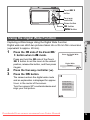
To protect another image or sound file, use the four-way controller
(45) to select another image or sound file.
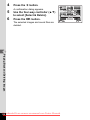
Use the four-way controller (23)
to select [Protect].
Press the 4 button.
100 - 0017
Protect this image/sound
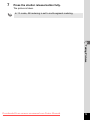
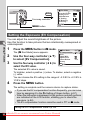
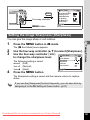
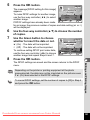
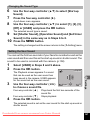
The selected image or sound file is protected.
Protect
Unprotect
MENU Cancel
OK
5
Playing Back and Deleting Images
4
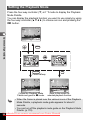
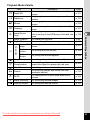
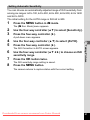
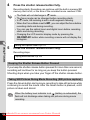
The Playback Mode Palette appears.
OK
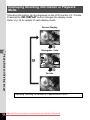
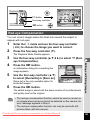
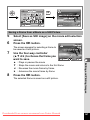
• To cancel the Protect setting, select [Unprotect] in Step 6.
• Y appears below the file number on protected images and sound
files during playback.
• You can protect another image or sound file by further performing
the above 5, 6, and 7 Steps. However, the maximum number you
can protect in succession by the above Steps cannot exceed 99.
Downloaded From camera-usermanual.com Pentax Manuals
133