1
Quick Start
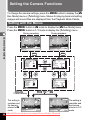
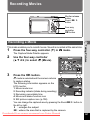
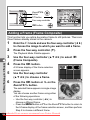
Taking Still Pictures
Shutter release button
Zoom/w/x button
1
2
3
4
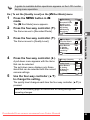
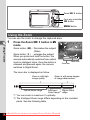
Open the lens cover.
Quick Start
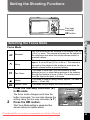
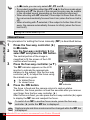
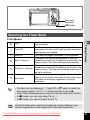
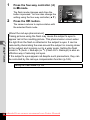
The standard procedure for taking still pictures is described below. The
flash fires automatically depending on the light conditions.
2
38
The camera turns on and is ready to take
still pictures. In this manual, this is called
Still Picture Capture mode.
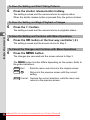
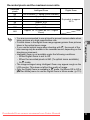
Confirm the subject and shooting
information on the LCD monitor.
01/01/2007
14:25
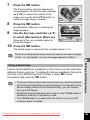
The focus frame in the middle of the LCD
Focus frame
monitor indicates the zone of automatic
focusing.
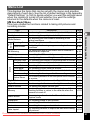
You can change the captured area by pressing the Zoom/w/x button
to the left or right.
x : enlarges the subject
w : widens the area that is captured by the camera
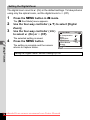
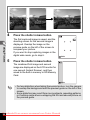
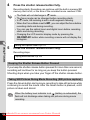
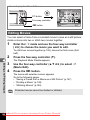
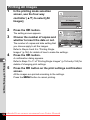
Press the shutter release button halfway.
The focus frame on the LCD monitor turns green if the subject is in focus.
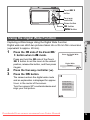
Press the shutter release button fully.
The picture is taken.
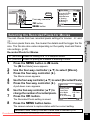
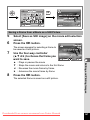
The image appears on the LCD monitor for one second (Instant
Review) and is saved to the SD Memory Card or built-in memory. (p.40)
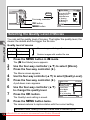
Press the Green button to switch to the Green Mode and let the camera
set all the shooting functions automatically. Selecting the Green Mode
is the easiest way to ensure that pictures come out well. (p.64)
Downloaded From camera-usermanual.com Pentax Manuals
39