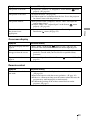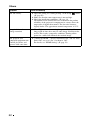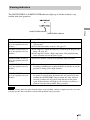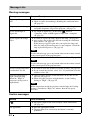
1
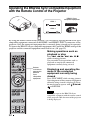
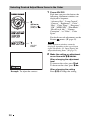
Selecting Desired Adjust Menu Items in the Order
1
2
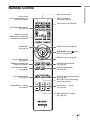
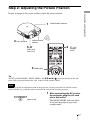
M/m/</,
(arrow) /
(enter) buttons
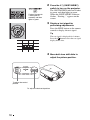
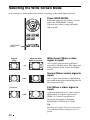
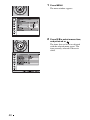
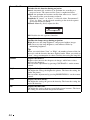
Press ADJ PIC.
Each time you press the button, the
following adjustment windows are
displayed in sequence.
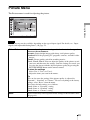
“Advanced Iris”, “Lamp Control”,
“Contrast”, “Brightness”, “Color”,
“Hue”, “Color Temp.”, “Sharpness”,
“NR”, “MPEG NR”, “Film Mode”,
“Black Level Adj.”, “Gamma
Correction”, “x.v.Color”, “Color
Space”
For details on each adjustment, see the
Picture
menu. (1 page 43)
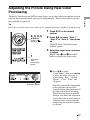
1
ADJ PIC
button
Note
Some adjustment windows cannot be
displayed, depending on the type of input
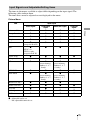
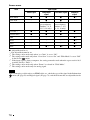
signal. For details, see “Input Signals and
Adjustable/Setting Items” (1 page 75).
2
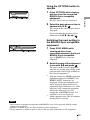
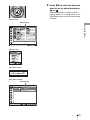
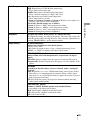
Make the setting or adjustment
on an item with M/m/</,.
When changing the adjustment
level
To increase the value, press M/,.
To decrease the value, press m/<.
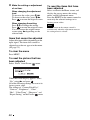
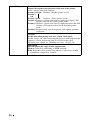
When changing the setting
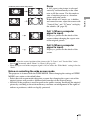
Example: To adjust the contrast
36
Press M/m to change the setting.