1
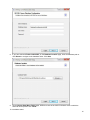
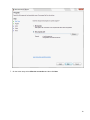
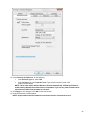
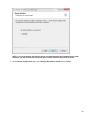
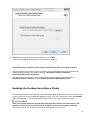
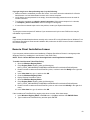
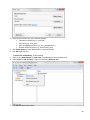
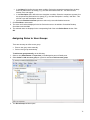
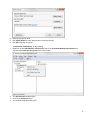
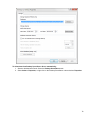
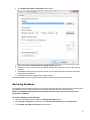
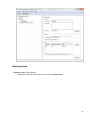
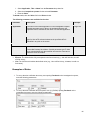
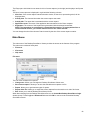
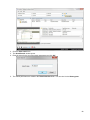
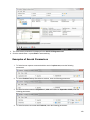
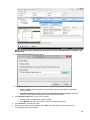
3. Edit the parameters you need.
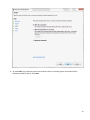
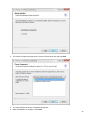
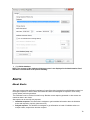
4. Click Save button.
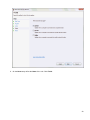
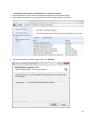
5. The edited parameters are saved.
Viewing Alerts
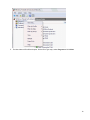
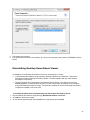
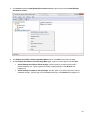
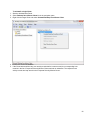
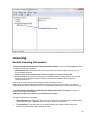
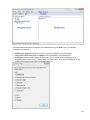
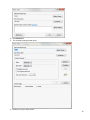
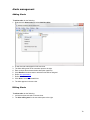
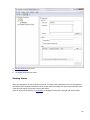
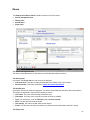
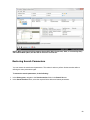
Alerts are displayed in the tree-view pane to the left. The Alerts node is displayed in the tree-view between
the Roles and the Desktop Surveillance Clients nodes. Alerts are displayed as sub-nodes of the Alert node.
Each alert sub-node is named with a unique Alert name.
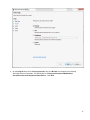
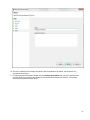
When an alert node is selected, its parameters are displayed in the pane to the right and can be edited.
80