1
2
Hardware Installation
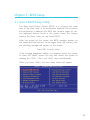
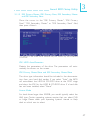
4. After powering-on the system, press <Del> to enter the main
menu of the BIOS.
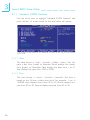
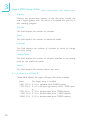
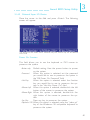
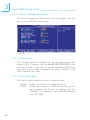
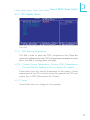
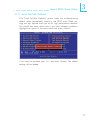
5. Select the Frequency/Voltage Control submenu and press
<Enter>.
6. Set the “CPU Clock Ratio” or “CPU Clock” field to its default
setting or an appropriate frequency ratio or bus clock. Refer
to the Frequency/Voltage Control section in chapter 3 for
more information.
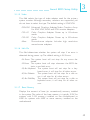
7. Press <Esc> to return to the main menu of the BIOS setup
utility. Select “Save & Exit Setup” and press <Enter>.
8. Type <Y> and press <Enter>.
24