1
SCHEDULE
SCHEDULE
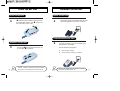
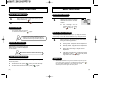
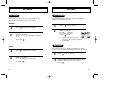
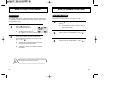
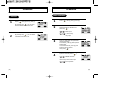
INPUT SCHEDULE
LIST ALL
1
Press [
] then [5] then [1] then [1].
By pressing the [
] you can view
the more details about each item.
2
By pressing the [
] you can select
if this alarm sounds or not.
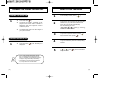
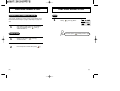
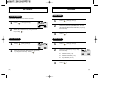
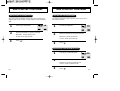
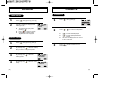
1
Press [
2
Select the date in calendar and
press the [
].
] then [5] then [1] then [2].
11/12/1999
11/12/1999
AM 12:10
DTAL
DEL
[
][
[
][
ALARM
11/12/1999
AM 12:12
SET
ON
]-month input.
SEL
PREV
] , numeric key
-day input.
DEL
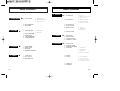
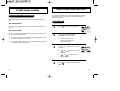
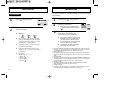
3
4
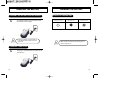
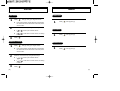
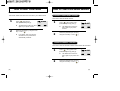
Press [1], and select the parameter
(one time or daily).
To set alarm, press [2] and input the
schdule title.
To set reserved call, press [3] and
input the phone number.
And, press [
].
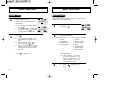
Input the time and press [
[
][
[
][
1:ALARM TYPE
2:SCHEDULE TITLE
3:PHONE NUMBER
OK
PREV
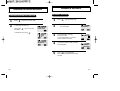
].
]-AM/PM selection.
numeric key-hour/minute input.
[54]
1999,10
INPUT DATE
11/12/1999
AM 12:12
OK
CLR
]-move position.
[55]