1
SETTINGS
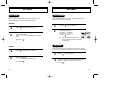
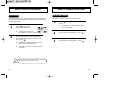
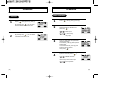
VOLUME
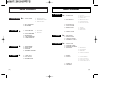
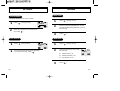
RING MODE
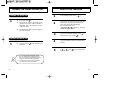
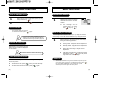
LCD CONTRAST
This function adjusts the LCD screen contrast.
1
Press [
], then [2], then [4]
PREV
2
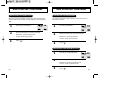
Select the parameter (RINGER,BELL AFTER
VIB,SILENT,VIBRATOR,SLIDE BELL) by using
the scroll keys.
3
Press [
Press [
] then [2] then [5].
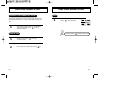
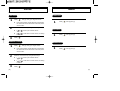
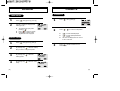
LOGO DISPLAY
DATE
Select the parameter Banner(DATE,GRAPHIC)
by using the scroll keys. Press [
].
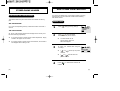
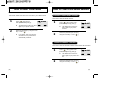
1
Press [
], then [3], then [2].
2
Select the parameter (1-18) by using
the scroll keys.
PREV
3
[34]
].
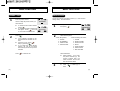
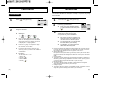
RING TYPE
SEL
2
], then [3], then [1].
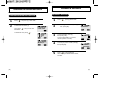
Select the contrast level by using the scroll
keys Press[
].
LOGO DISPLAY
1
Press [
LCD CONTRAST
SEL
2
1
l
Different tones (1-6).
l
Different melodies (7-13).
l
My melodies (14-18).
Press [
RINGER
RINGER 6
SEL
PREV
].
[35]