1
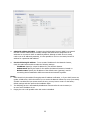
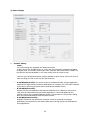
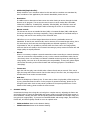
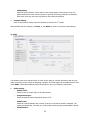
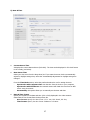
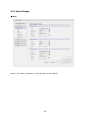
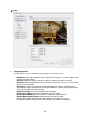
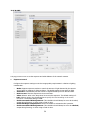
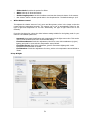
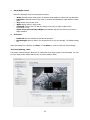
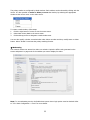
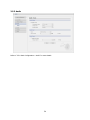
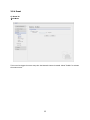
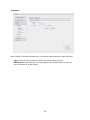
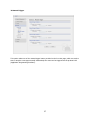
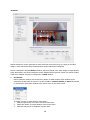
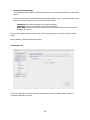
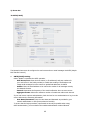
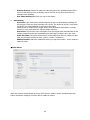
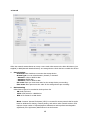
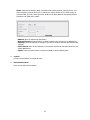
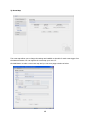
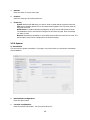
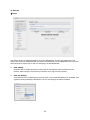
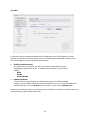
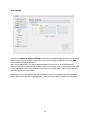
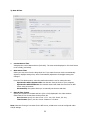
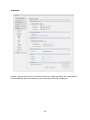
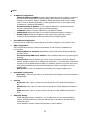
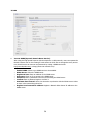
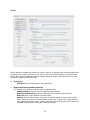
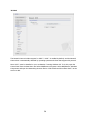
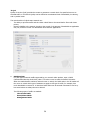
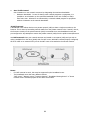
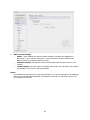
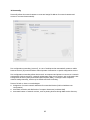
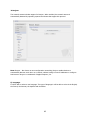
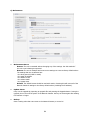
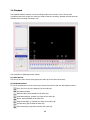
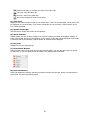
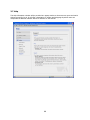
1) Users User access control is enabled by default. An administrator can set up other users, by giving these user names and passwords. It is also possible to allow anonymous viewer login, which means that anybody may access the Live View page, as described below: The user list displays the authorized users and user groups (levels): User Group Guest Operator Administrator Authority Provides the lowest level of access, which only allows access to the Live View page. An operator can view the Live View page, create and modify events, and adjust certain other settings. Operators have no access to System Options. An administrator has unrestricted access to the Setup tools and can determine the registration of all other users. Enable anonymous viewer login: Check the box to use the webcasting features. Refer to “3.5.2 Video & Image” for more details. 2) Network The network camera supports both IP version 4 and IP version 6. Both versions may be enabled simultaneously, and at least one version must always be enabled. When using IPv4, the IP address for the network camera can be set automatically via DHCP, or a static IP address can be set manually. If IPv6 is enabled, the network camera receive an IP address according to the configuration in the network router. There is also the option of using the Internet Dynamic DNS Service. For more information on setting the Network, please see Setup> System>Security>Network. 21