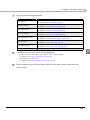
1
7
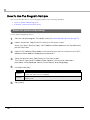
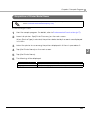
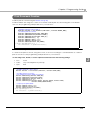
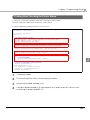
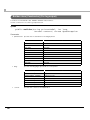
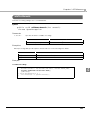
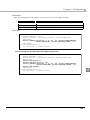
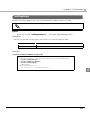
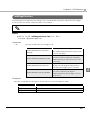
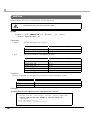
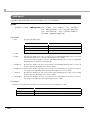
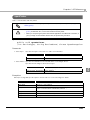
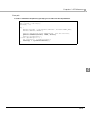
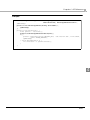
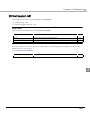
Confirm that the target project's "/libs" folder is in the Source tab of the target
project's properties. If not, add "libs" to the build path using [Add Folder...].
8
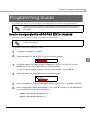
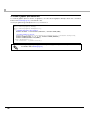
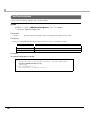
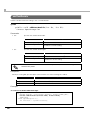
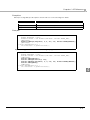
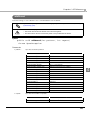
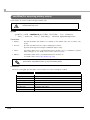
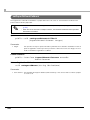
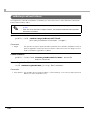
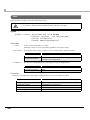
With the target project selected from Eclipse's Package Explorer, select
[Preferences] in the [Window] menu.
9
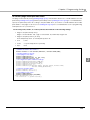
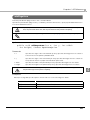
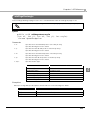
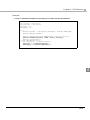
The [Preferences] screen is displayed. From the list on the left, select [Java][Compiler].
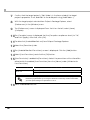
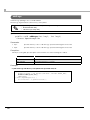
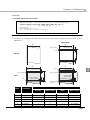
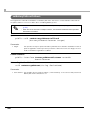
[Compiler] screen is displayed. Set the [Compiler compliance level:] to "1.6",
10 The
and click [Apply]. After that, click [OK].
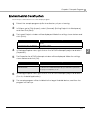
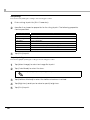
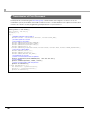
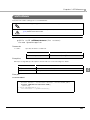
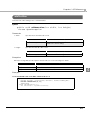
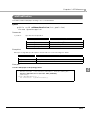
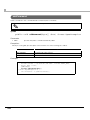
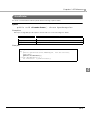
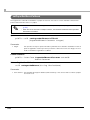
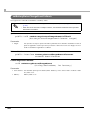
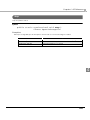
11 Double-click [AndroidManifest.xml] from Eclipse's Package Explorer.
12 Select the [Permissions] tab.
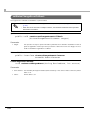
13 The [Android Manifest Permissions] screen is displayed. Click the [Add] button.
14 Select [Uses Permission], and click the [OK] button.
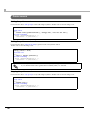
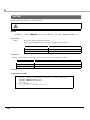
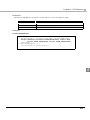
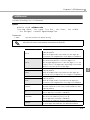
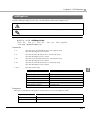
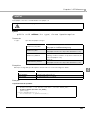
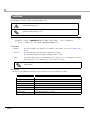
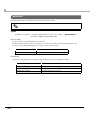
Permission] is added to [Permissions]. Select the permissions of functionalities
15 [Uses
attached to the added [Uses Permission] from the [Name] under [Attributes for
Uses Permission].
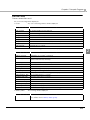
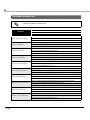
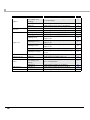
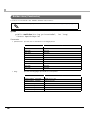
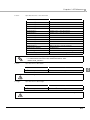
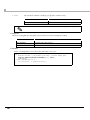
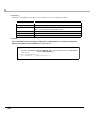
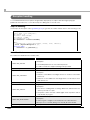
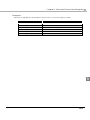
Functionality
Wi-Fi
Bluetooth
[Name] setting
android.permission.INTERNET
android.permission.BLUETOOTH
android.permission.BLUETOOTH_ADMIN
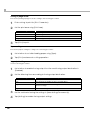
There is one setting of permissions for functionalities that can be attached per [Uses
Permission] in [Permissions]. For using the Bluetooth functionality and all functionalities,
you must repeat settings from procedures 13 to 15.
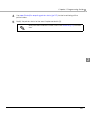
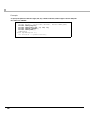
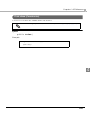
16 Save "AndroidManifest.xml".
28