1
Handy Performance Features
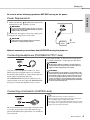
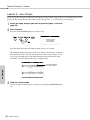
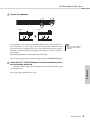
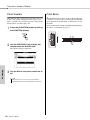
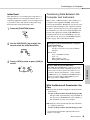
Tap Start
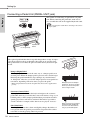
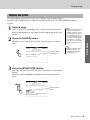
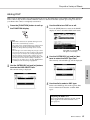
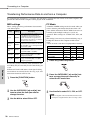
Setting the Click bell sound
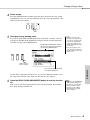
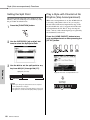
You can start the song/style by simply tapping the
[TEMPO/TAP] button at the required tempo—4 times
for time signatures in 4, and three times for time signatures in 3. You can change the tempo during song/
style playback by pressing the button just twice.
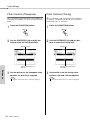
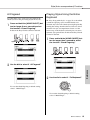
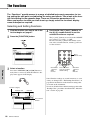
This allows you to select whether the click sound has
a bell accent, or plays only a click sound.
1
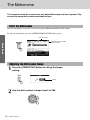
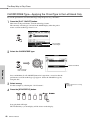
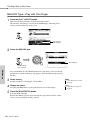
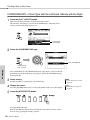
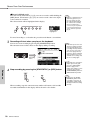
Press the [FUNCTION] button.
2
Use the CATEGORY [r] and [f] buttons to select the Bell item.
3
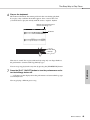
You can then use the [+] and [-] buttons
to turn the bell sound on or off.
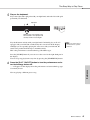
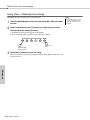
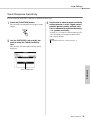
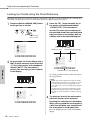
One Touch Setting
Sometimes selecting the ideal voice to play with a
song or style can be confusing. The One Touch Setting feature automatically selects a well-balanced
voice for you when you select a style or song. Simply
select voice number “000” to activate this feature.
Reference
70
Owner’s Manual







































![新商品の主な仕様[PDF]](http://vs1.manualzilla.com/store/data/006630365_2-1698253152266286046c886823580961-150x150.png)