1
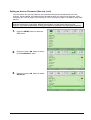
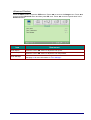
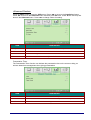
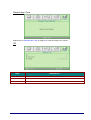
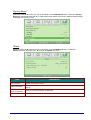
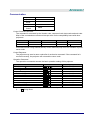
Installation I Menu
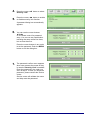
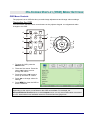
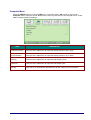
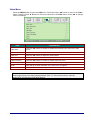
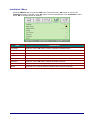
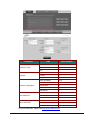
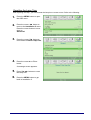
Press the MENU button to open the OSD menu. Press the cursor ◄► button to move to the
Installation I menu. Press the cursor ▲▼ button to move up and down in the Installation I menu.
Press ◄► to change values for settings.
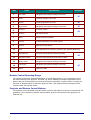
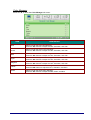
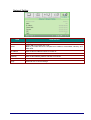
ITEM
DESCRIPTION
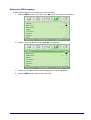
Language
Press the cursor ◄► button to select a different localization Menu.
Blank Screen
Press the cursor ◄► button to select different color to blank the screen.
Image Flip H/V
Press the cursor ◄► button to choose from four Image Flip H/V methods:
Aspect
Press the cursor ◄► button to adjust the video aspect ratio.
Test Pattern
Press◄► button to select different test pattern for projector installation check.
Keystone
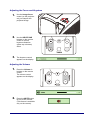
Press the cursor ◄► button to adjust the display keystone.
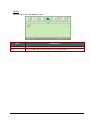
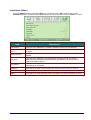
Advanced
Press OK / ► to the Advanced menu. See Advanced Feature on page 37.
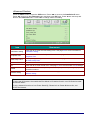
Reset
Press OK / ► to reset all settings to default values (except Language).
— 36—