1
Triskan TS8 Firmware Development Kit
User Manual
•
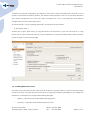
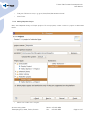
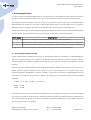
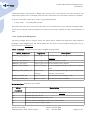
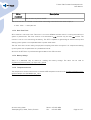
Select C/C++ Build → Discovery options tab.
•
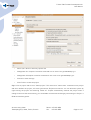
Change GCC C++ Compiler invocation command to arm-none-linux-gnueabi2010q1-g++.
•
Change GCC C Compiler invocation command to arm-none-linux-gnueabi2010q1-gcc.
•
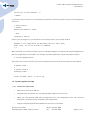
Click OK to close settings.
•
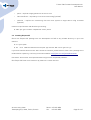
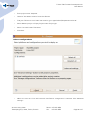
Click Finish to create the project.
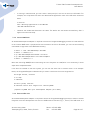
Right-click on project and click on "Clean project". This executes a "make clean" command on the project
and then rebuilds the project; this also synchronizes Eclipse environment. You can build the system by
right-clicking the project and selecting "Build all". Eclipse automatically rebuilds the project when a
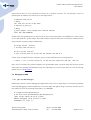
change is saved to disk. Alternatively, you can disable the automatic building by unchecking the Project →
Build automatically option.
© Artec Group, 2010
Teaduspargi 6/2, 12618, Tallinn, Estonia
Phone: +372 671 8550
Fax:
+372 671 8555
Page 21 of 47