1
Functions-Messaging
2. Create a text message
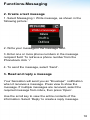
1. Select Messaging > Write message, as shown in the
following picture:
2. Write your message in the message field.
3. Enter one or more phone numbers in the message
recipient field: To retrieve a phone number from the
Phonebook click ‘√’
4. To send the message, select ‘Send’.
3. Read and reply a message
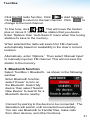
Your Sensation will send you an "Envelope" notification
when it receives a message. Press view to show the
message. If multiple messages are received, select the
required message from inbox, then press ‘Open’.
Use the scroll key to view the entire contents of the
information. Select ‘Reply’ to create a reply message.
18