1
1.2.5 System Check
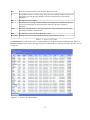
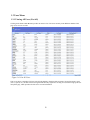
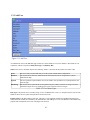
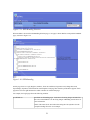
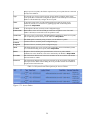
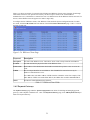
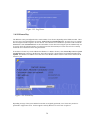
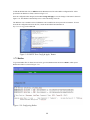
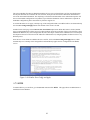
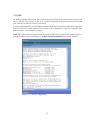
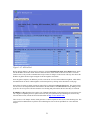
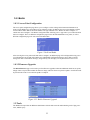
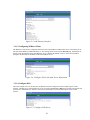
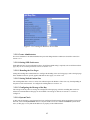
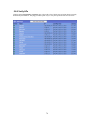
The System Check page under the System Status menu displays a snapshot of the current health of the WiDirect system,
as show in Figure 1-5. This page analyzes important system functions, such as Radius, DNS, DHCP, Firewall, NTPD,
PreProxy, Squid, and FTP services by establishing if they are running or not. If for any reason a service has been
disabled, clicking on the Control button next to each process in order to re-enable it.
Although the WiDirect has a built in watchdog program that automatically restarts any WiDirect process that has failed,
it will not restart any process that the administrator has explicitly stopped. For example, if the administrator stops
Radius via the control window, the watchdog program understands this action and will not attempt to restart Radius.
However, if the Radius process dies, the watchdog will automatically restart the process without Administrator
intervention.
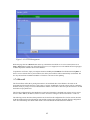
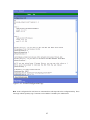
Other information that can be found on this page is Interface Settings, Routing table, NTP status, and Network
statistics. When contacting AWI technical support, the data on this page will be used to troubleshoot the health of the
WiDirect.
Figure 1-5: System Check
11