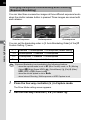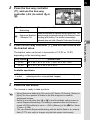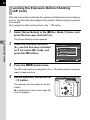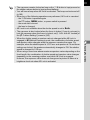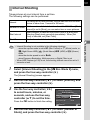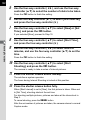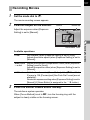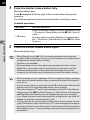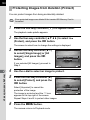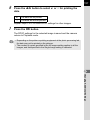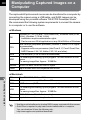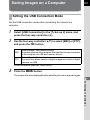
1
204
3
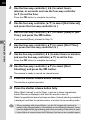
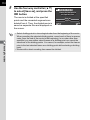
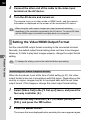
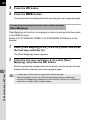
Click [SILKYPIX Developer
Studio 3.0 for PENTAX].
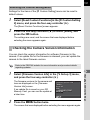
For Macintosh, follow the instructions
on the screen to perform subsequent
steps.
4
5
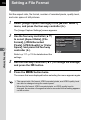
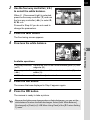
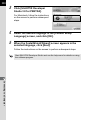
Select the desired language in the [Choose Setup
Language] screen, and click [OK].
When the [InstallShield Wizard] screen appears in the
selected language, click [Next].
Follow the instructions on the screen to perform subsequent steps.
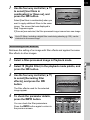
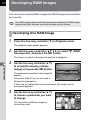
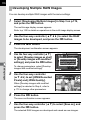
Start SILKYPIX Developer Studio and see the help menu for details on using
the software program.
9
Connecting to a Computer