1
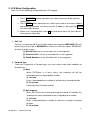
1. Network Interface
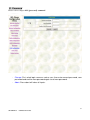
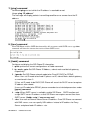
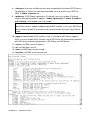
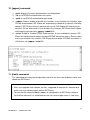
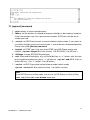
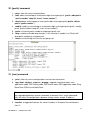
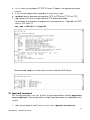
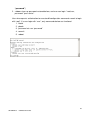
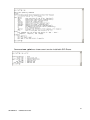
Please refer to chapter 4.9 [ifaddr] command.
-
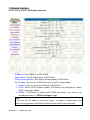
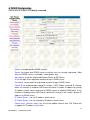
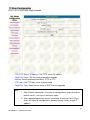
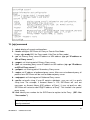
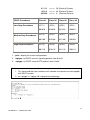
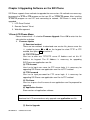
IP Address: Set IP Address of SIP-Phone
Subnet Mask: Set the Subnet Mask of SIP-Phone
Default routing gateway: Set Default routing gateway of SIP-Phone
Get IP Mode: User has to set SIP-Phone to use which network mode.
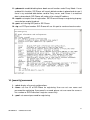
1. Fixed IP: User has to assign a fixed IP to SIP-Phone.
2. DHCP: When DHCP function enables, SIP-Phone will automatically search
DHCP server after reboot.
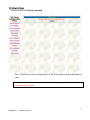
3. PPPoE: If SIP-Phone is working with PPPoE connection, user have to set
related parameters in “PPPoE Configure “page.
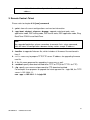
Note:
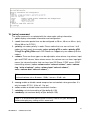
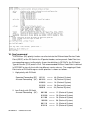
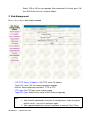
If User set “Get IP mode” as DHCP or PPPoE, IP address, Subnet Mask, and
Default routing gateway will become 0.0.0.0 and not allow to be configured.
26
SIP SIP-Phone
Administration Guide