1
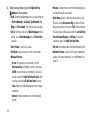
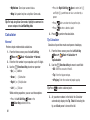
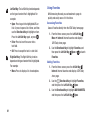
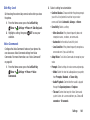
• Exposure: Select a setting for measuring light before
taking a picture, from Matrix, Center-weighted, or
Spot.
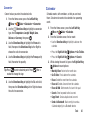
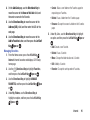
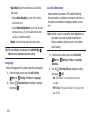
– Photo Quality: Set picture quality (Normal, Fine, or
Superfine).
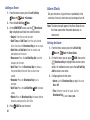
• Effects: Choose an effect to add to photos, from None,
Black & White, Antique, or Negative.
– Review: Control whether the picture is displayed
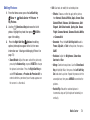
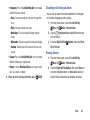
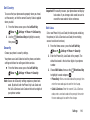
• Night Shot: Select On to adjust exposure for low light
conditions or Off to use available light.
– Shutter Sound: Play a click when pressing the
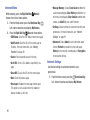
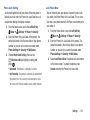
• Timer: Set a delay between pressing the Camera Key
and taking the picture.
– Auto Name: Turn On to have new pictures named
• Viewfinder Mode: Choose to display icons or a
guideline on the viewfinder.
– Shortcuts: View shortcuts for using keypad keys to
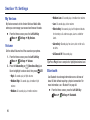
• Preview Mode: Choose a mode for viewing pictures
after you take them, from Full Screen or Standard
Screen.
77
• Settings:
after you take it, before saving.
Camera Key.
automatically.
quickly access Camera settings when taking a
picture.