1
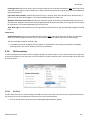
Automation Tab
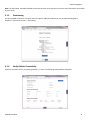
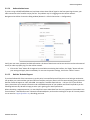
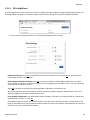
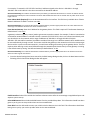
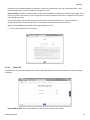
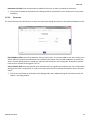
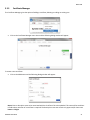
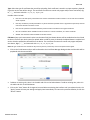
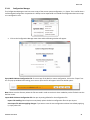
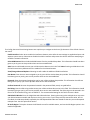
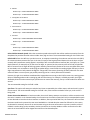
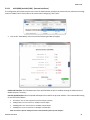
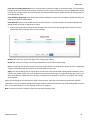
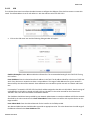
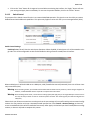
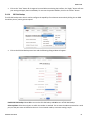
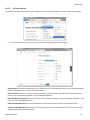
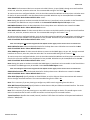
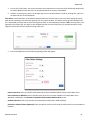
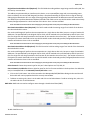
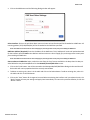
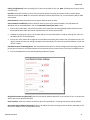
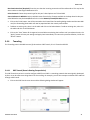
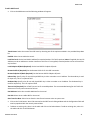
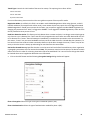
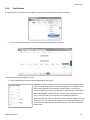
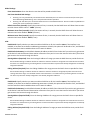
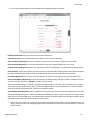
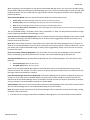
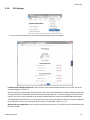
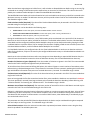
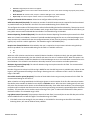
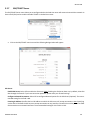
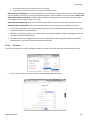
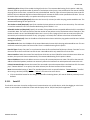
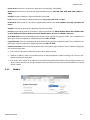
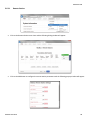
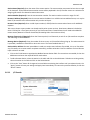
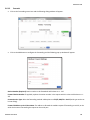
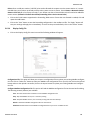
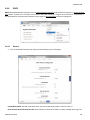
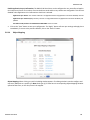
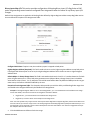
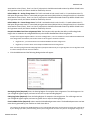
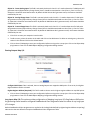
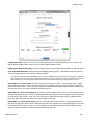
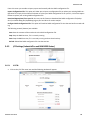
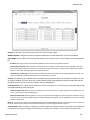
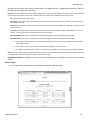
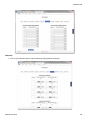
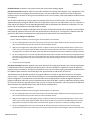
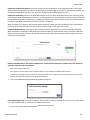
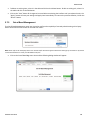
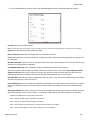
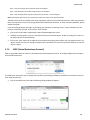
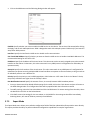
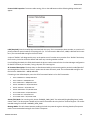
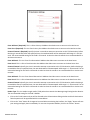
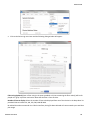
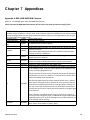
Floating Inputs Map I/O: This option provides configuration of Mapping Float Input I/O’s Reg/Index to DNP points for generating events based on configured DeadBand and Class Assignments when the status of any Float Input I/O’s changes. Default DeadBand and Class Assignments are applied to all the Reg/Index defined by Highest Register Address except Reg/
Index entries that are defined in Exception DeadBand and Class Assignments Table.
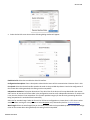
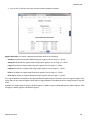
Configure DNP Points: If option is set to No, then no Floating Inputs are mapped as DNP points. If set to Yes, the High‐
est Register Address field is shown to enter a Highest Register Address value.
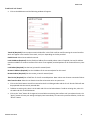
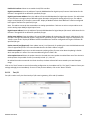
Highest Register Address (Required): This field is used to show or set the highest register address to map DNP points.
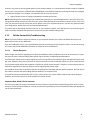
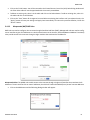
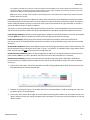
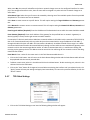
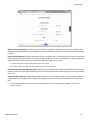
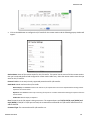
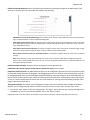
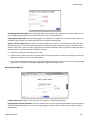
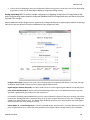
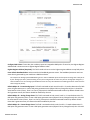
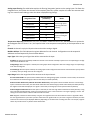
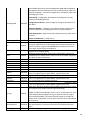
Enter Default DeadBand Value: Values outside this deadband generate events. The deadband parameter sets how event data is generated by your module as a DNP slave device.
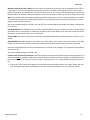
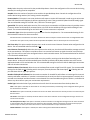
For example: The Analog Input deadband being set to a value of 1000 will report all of the points as being class 3 data (as set by the “Analog Input class” parameter being set to 3) and it will generate an event every time an analog input changes by a value of 1000 or more. This Analog Input deadband can be set to any value between 0 to 32767 (generate an event when the value changes by 32767).
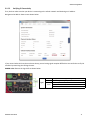
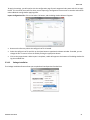
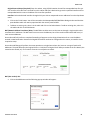
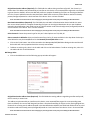
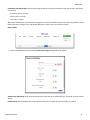
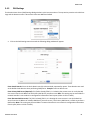
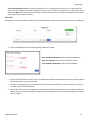
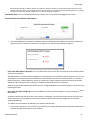
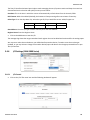
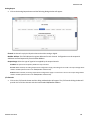
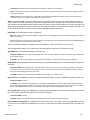
Default Object 31 ‐ Frozen Analog Input: This field is activated on both Levels 2 and 2+. It’s used to determine if a DNP point will generate events. In case a DNP point generates events (Object2 Binary Change Events) then it should be associated to a class (Class 1, Class 2 or Class 3), otherwise it should be associated to None. By default all DNP Points don’t generate events, this feature should be modified by the user.
Software User Guide
136