1
Chapter 15. The debugger (ocamldebug)
15.8.8
187
User-defined printers
Just as in the toplevel system (section 9.2), the user can register functions for printing values of
certain types. For technical reasons, the debugger cannot call printing functions that reside in the
program being debugged. The code for the printing functions must therefore be loaded explicitly
in the debugger.
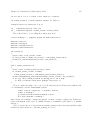
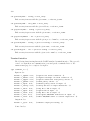
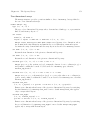
load_printer "file-name"
Load in the debugger the indicated .cmo or .cma object file. The file is loaded in an environment consisting only of the Objective Caml standard library plus the definitions provided
by object files previously loaded using load_printer. If this file depends on other object
files not yet loaded, the debugger automatically loads them if it is able to find them in the
search path. The loaded file does not have direct access to the modules of the program being
debugged.
install_printer printer-name
Register the function named printer-name (a value path) as a printer for objects whose types
match the argument type of the function. That is, the debugger will call printer-name when it
has such an object to print. The printing function printer-name must use the Format library
module to produce its output, otherwise its output will not be correctly located in the values
printed by the toplevel loop.
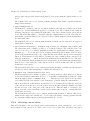
The value path printer-name must refer to one of the functions defined by the object files
loaded using load_printer. It cannot reference the functions of the program being debugged.
remove_printer printer-name
Remove the named function from the table of value printers.
15.9
Miscellaneous commands
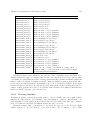
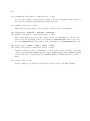
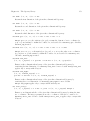
list [module] [beginning] [end ]
List the source of module module, from line number beginning to line number end. By default,
20 lines of the current module are displayed, starting 10 lines before the current position.
source filename
Read debugger commands from the script filename.
15.10
Running the debugger under Emacs
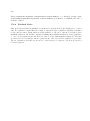
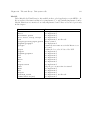
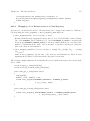
The most user-friendly way to use the debugger is to run it under Emacs. See the file emacs/README
in the distribution for information on how to load the Emacs Lisp files for Caml support.
The Caml debugger is started under Emacs by the command M-x camldebug, with argument
the name of the executable file progname to debug. Communication with the debugger takes place
in an Emacs buffer named *camldebug-progname*. The editing and history facilities of Shell mode
are available for interacting with the debugger.