1
You can use the phonebook to maintain phone numbers
of your contacts. This feature enables you to add, delete,
dial phone numbers, send SMS and MMS messages. To
access the contacts, select Menu > Phonebook. The
contacts are displayed.
You can also use the volume keys to scroll
through the contacts.
Add a New Contact
Managing Contacts
•
•
•
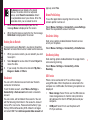
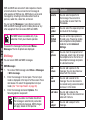
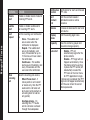
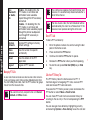
To add a new contact, select Menu > Phonebook >
Options > Add new contact. Select SIM or phone
and enter the name and phone number. Press Menu
key to save and select Save.
Alternatively, you can directly enter a number and
select Options > Save to Phonebook > Add new
contact. Select SIM or phone and enter the name
and phone number. Press Menu key to save and
select Save.
You can also add a contact from Call history
(refer “Managing Call History” on page 30) and Write
message menu (refer “Write Message” on page 51).
The new number is updated in the Contacts list.
If Phone is selected as the storage location,
then the user can add many details apart from
the name and phone number. The user can
add a maximum of 1000 contacts.
View the Contact Details
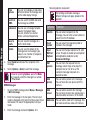
On the home screen, select Menu > Phonebook. Select
the contact. Select Options > View or press the Menu
key.
Sending a Message from Contacts
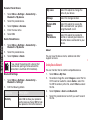
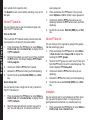
You can send SMS and MMS messages to the contacts.
Sending SMS
1.
On the home screen, select Menu > Phonebook.
Select the contact.
2.
Select Options > Send message.
3.
Enter the message and select Options > Send to.
Select additional recipients, if any.
4. Select Options > Send, to send the message.
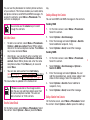
Sending MMS
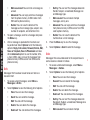
1.
On the home screen, select Menu > Phonebook.
Select the contact.
2.
Select Options > Send message > Options >
Switch to MMS.
3.
Enter the message and select Options. You can
add the required picture, sound, video, subject, and
slides to the message. Select the required file.
4.
Select Options > Send to. Select additional
recipients, if any.
5.
Select Options > Send, to send the message.
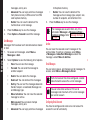
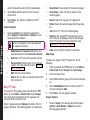
Dialing a Number from Contacts
On the home screen, select Menu > Phonebook. Select
the contact. Select Options > Call or press the call key.
46