1
Sound Recorder
SIM Services
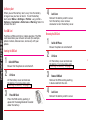
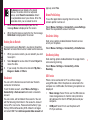
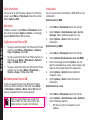
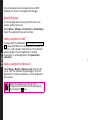
Select Menu > Tools > Sound recorder.
You can access certain services provided by the operator
using this menu. This feature can be accessed via Menu
> Tools > SIM services.
1.
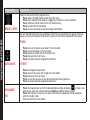
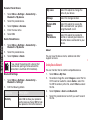
To record an audio file, select Options > New
record.
2.
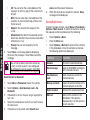
To temporarily stop the recording, select Pause.
3.
To continue with the recording, select Continue.
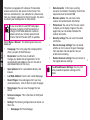
To end the recording, select Stop. A message
appears Save audio? > Select Yes. The recorded
audio file is stored under My files. For more
information refer “Managing Your Files” on page 44.
Audio Playback
Tools
4.
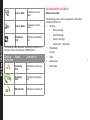
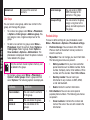
The user can do instant playback of the recorded audio
within the sound recorder. To listen to a recorded audio
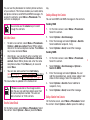
file, select Menu > Tools > Sound recorder > Options
> List. You can also select Menu > My files > Open >
Audio > Open to access the audio files.
Notes
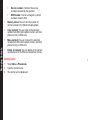
Select Menu > Tools > Notes to store the required
information.
Stopwatch
Select Menu > Tools > Stopwatch to start and stop the
timer, as required.
Text Reader
Select Menu > Tools > Text reader to view and read the
.txt files.
64