1
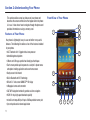
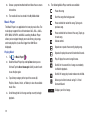
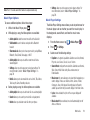
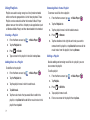
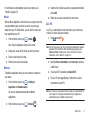
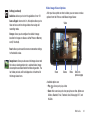
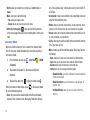
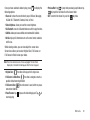
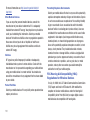
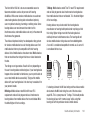
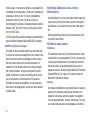
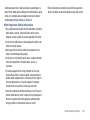
Side Views of Your Phone
1.
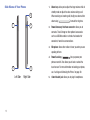
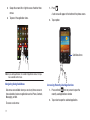
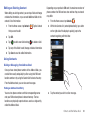
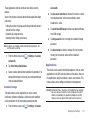
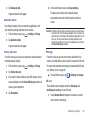
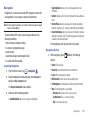
Volume keys: allow you to adjust the ringer volume while in
standby mode or adjust the voice volume during a call.
5
When receiving an incoming call, briefly press down either
volume key (
1
4
2.
) to mute the ring tone.
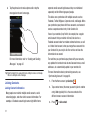
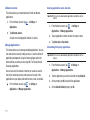
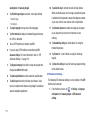
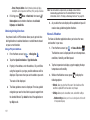
Power/Accessory Interface connector: allows you to
connect a Travel Charger or other optional accessories
such as a USB/data cable or a hands-free headset for
convenient, hands-free conversations.
3.
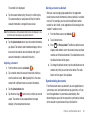
Microphone: allows other callers to hear you when you are
speaking to them.
4.
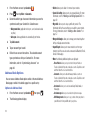
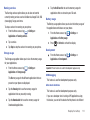
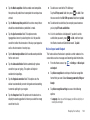
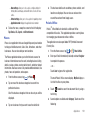
Power/Lock key: (
) lets you power your
phone on and off. Also allows you to lock or unlock the
2
touch screen. For more information on locking your phone,
3
see “Locking and Unlocking the Phone” on page 30.
Left Side
15
Right Side
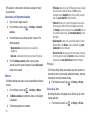
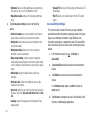
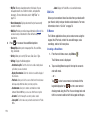
5.
3.5mm Headset jack: allows you to plug in headphones.