1
Settings (continued):
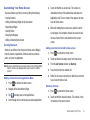
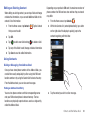
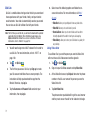
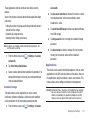
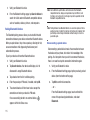
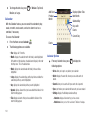
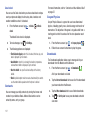
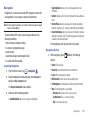
Guidelines: allows you to turn the guidelines On or Off.
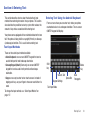
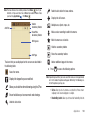
Video Image Viewer Options
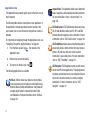
After you take a photo or shoot a video, you can access various
options from the Pictures and Videos Image Viewer.
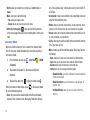
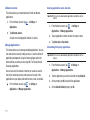
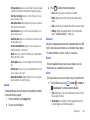
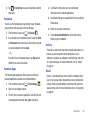
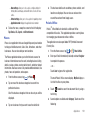
Save as flipped: when set to On, this option allows you to
take and save a mirror-image video when using selfrecording mode.
Video
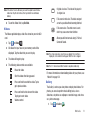
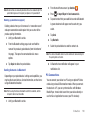
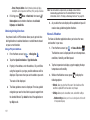
Storage: allows you to configure the default storage
location for images or videos as either Phone or Memory
card (if inserted).
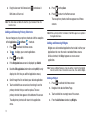
Reset: allows you to reset all camera or camcorder settings
to the default values.
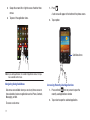
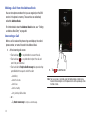
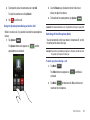
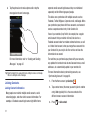
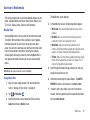
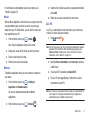
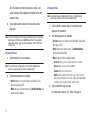
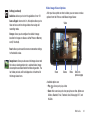
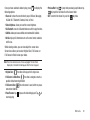
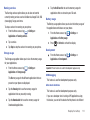
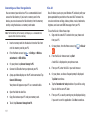
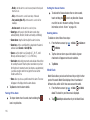
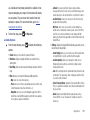
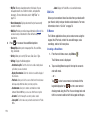
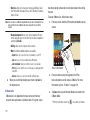
Image viewer: allows you to access the Image viewer and
the various viewing options for a selected video. Image
viewer options are described in the following section. The
last video you took, will be displayed as a thumbnail in
the Image viewer icon.
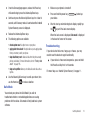
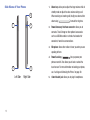
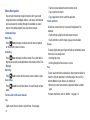
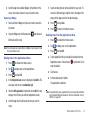
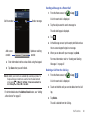
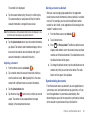
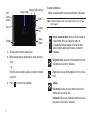
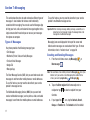
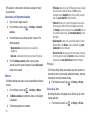
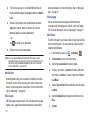
Share
Delete
More
Return to
previous page
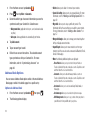
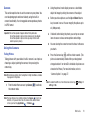
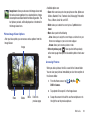
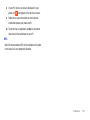
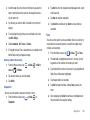
Available options are:
• Play
: allows you to play a video
• Share: offers several ways to share your picture or video. Options are:
AllShare, Bluetooth, Email, Facebook, Gmail, Messaging, Wi-Fi, and
YouTube.
Multimedia
84