1
RDCAM V6.0-User Manual for Board RDLC320-A
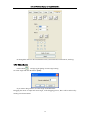
Change the direction of graphic processing
Mouse select the graphic in the graphics display area or in the list. And then click
.
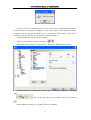
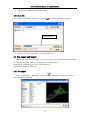
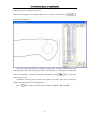
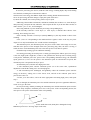
Change the cutting point
Select the graphics that should be changed the cutting point, it will show all the nodes in the
current graphics. Select the starting point, double-click the mouse, it will change the starting point
of the current graphics. After the completion of all changes, click
, the result of the
changes can be saved.
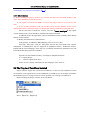
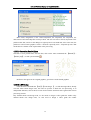
In addition to cutting property features, the software also offers some tools to change the
cutting order, cutting direction and cutting point.
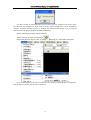
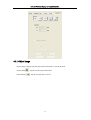
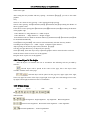
Select
in the toolbar, or click the menu command 【Edit】->【Show Path】.
41