1
RDCAM V6.0-User Manual for Board RDLC320-A
Chapter 2 Software Installation
2.1 Software Basic Installation
2.1.1 Install Steps
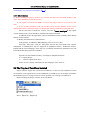
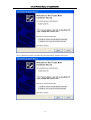
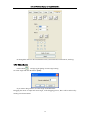
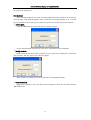
(1) Double-click the RDCAMSetup.exe under the installation directory, the following
dialog box appears:
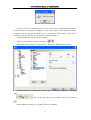
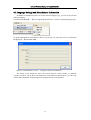
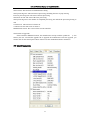
(2) Click【Install】,when extract copy is to be completed, the installation main interface
appears:
2.1.2 Installation Settings
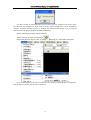
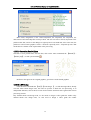
The installer can choose different installation content.
1> Install/Uninstall USB driver , reference《Chapter 3 Install USB Driver》
2> According to the different customer application needs and the habit of using to
select the type of software
4