1
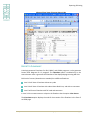
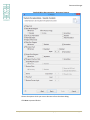
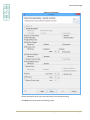
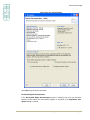
Configure Cross-Reference Library
The sequence of libraries is important because the objects and the sources are given
preference according to the order of the library they belong to. Only the first occurrence
of the object/source gets reported. Subsequent occurrences are omitted.
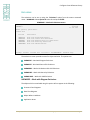
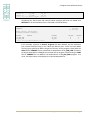
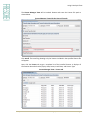
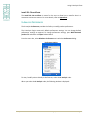
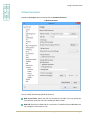
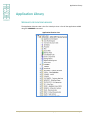
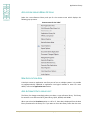
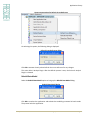
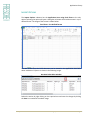
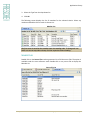
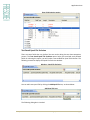
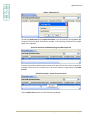
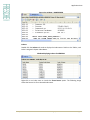
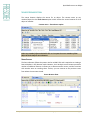
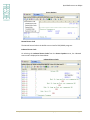
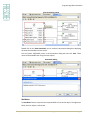
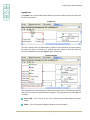
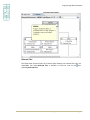
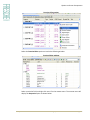
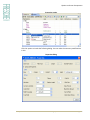
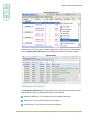
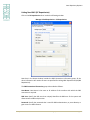
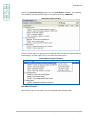
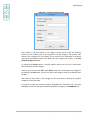
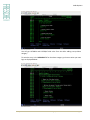
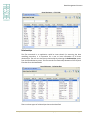
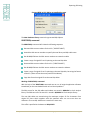
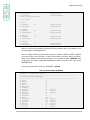
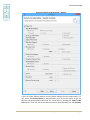
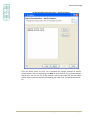
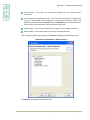
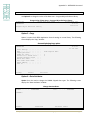
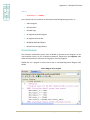
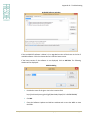
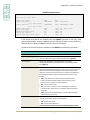
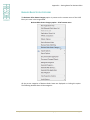
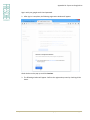
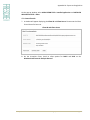
Press F6 to add the names of the Source / Object / Model libraries associated with the
application, and press ENTER. Repeat the step if application consists of multiple libraries.
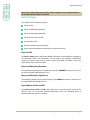
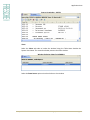
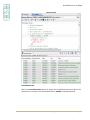
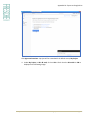
Press F3 when all the libraries have been defined.
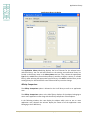
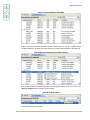
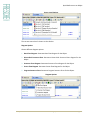
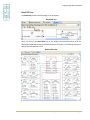
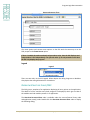
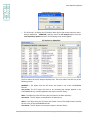
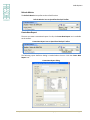
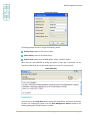
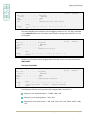
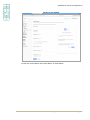
X4WRKAPP – Add Library screen
X-Analysis/4
XARWKLIB
Work with X-Analysis/4 Application Libraries
X-ref library.
Type . . . . .
Sequence . . .
Library. . . .
F1=Help
Databorough Ltd.
13:28:28
21 Jan 2015
XAN4CDXAT
O
(O=Object,S=Source,M=2E Model)
1.00
XAN4CDEM1
F3=Exit
F12=Cancel
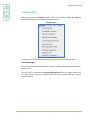
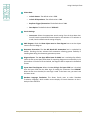
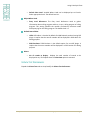
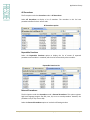
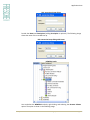
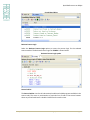
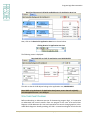
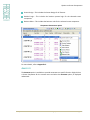
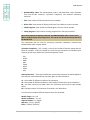
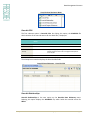
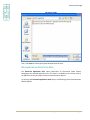
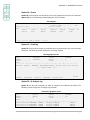
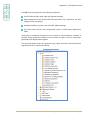
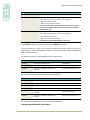
The Type may be any one of the following:
O=Object
S=Source
M=Model
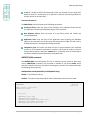
Source & Object Libraries
While the source library contains the un-compiled source files, the object library
comprises the compiled objects for the same.
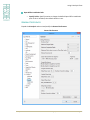
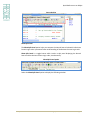
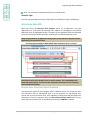
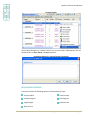
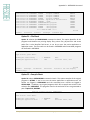
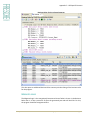
Specify the libraries containing both source and object as O and S types. See the settings
on the ‘XAN4CDXA – Tutorial Application’. It has XAN4CDEM specified as ‘O’ and ‘S’ types.
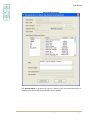
Cool/2E (Synon Model) Libraries
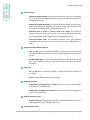
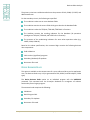
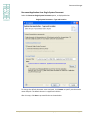
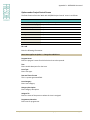
In order to analyze a Synon application, the Synon model library(s) can be specified by
putting the library type as "M". The initialization process picks the data model information
in the Synon model library(s) when creating the X-Ref library.
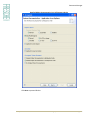
Before moving on to the initialization step, you should confirm that the X2E-specific Data
Areas are set with appropriate values. For details, refer to Appendix D.
X-Analysis User Manual 11.0
© 2015 Fresche Legacy Inc.
Page 15