1
Application Library
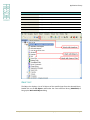
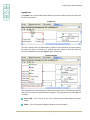
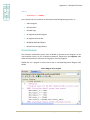
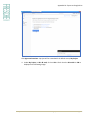
Note: The pre-defined format for the Excel sheet is available in the 'template' folder on
the location where X-Analysis is installed.
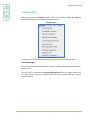
EXPORT OPTIONS
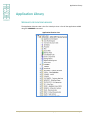
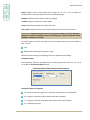
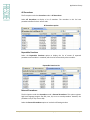
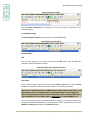
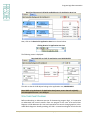
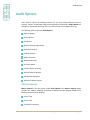
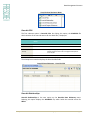
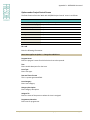
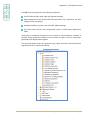
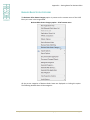
This submenu has the following options:
Export as DDL
Export as Web Query Metadata
Export as Web Query Application
Export Business Rules as XML
Convert DDS to SQL
Generate Database Service Programs
Export CRUD Spreadsheet (available only for application areas)
Export as DDL
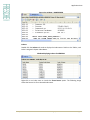
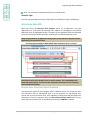
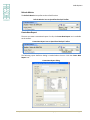
The Export as DDL option exports Data Model information as Data Definition Language to
the application folder. This information may be used by any database management
system e.g. Oracle or SQL server to create a similar data model. For details, refer to the
Export as DDL from X-Analysis section.
Export as Web Query Metadata
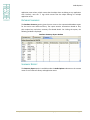
The Web Query Metadata files are generated using the XWBQMET command. These files
can be used in IBM’s DB2 Web Query Tool.
Export as Web Query Application
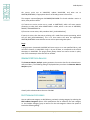
The Web Query Report files are generated using the XWBQRPT command. These files can
be used in IBM’s DB2 Web Query Tool.
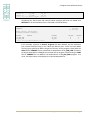
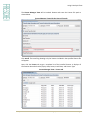
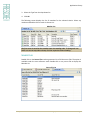
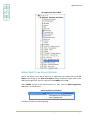
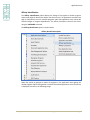
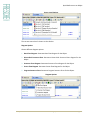
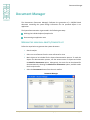
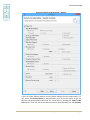
Export Business Rules as XML
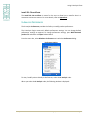
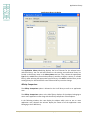
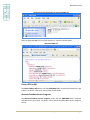
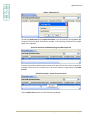
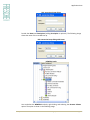
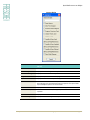
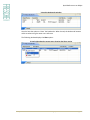
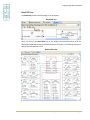
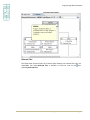
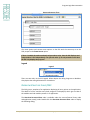
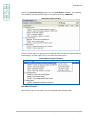
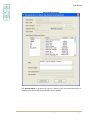
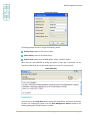
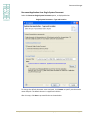
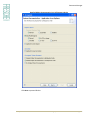
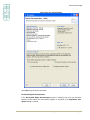
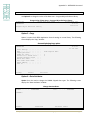
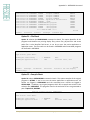
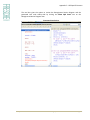
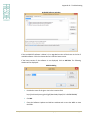
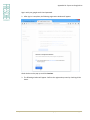
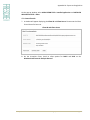
The Export Business Rules as XML option generates an XML file which details all the
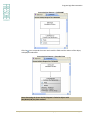
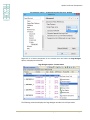
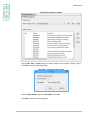
business rules of the selected application/application area. The following dialog is
displayed when this option is selected:
X-Analysis User Manual 11.0
© 2015 Fresche Legacy Inc.
Page 67