1
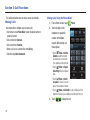
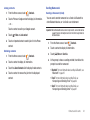
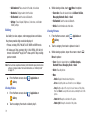
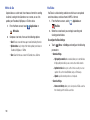
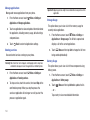
Removing Contacts from a Group
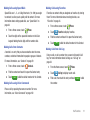
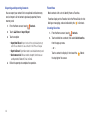
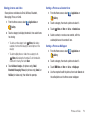
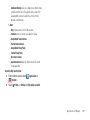
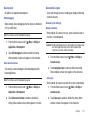
Sending a Message to Group Members
Tip: You can also add a contact to a group when you edit the contact. For
more information, see “Updating Contacts” on page 41.
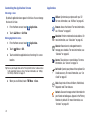
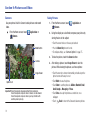
1.
From the Home screen, touch
Contacts ➔ Groups.
2.
Touch a Group to display it.
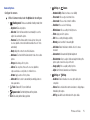
3.
Touch
4.
Touch contact(s) to mark them for removal, or touch Select
appears in the check box.
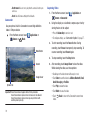
5.
Touch
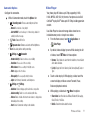
From the Home screen, touch
2.
Touch a Group to display it.
3.
Touch
4.
Touch contacts to mark them as recipients for the new
Remove
Menu ➔ Send Message.
message, then touch
Menu ➔ Remove member.
all to mark all contacts. When selected, a check mark
Contacts ➔ Groups.
1.
5.
Send
.
The new message opens, with the marked contacts as
recipients. Continue creating the message, as desired. For
more information, see “Creating and Sending Messages”
on page 58.
to remove the selected contact(s).
Contacts and Accounts
47