1
Chapter 6
Creating a Program
Configuring Specialty I/O Modules – (SLC 5/02 Specific)
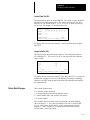
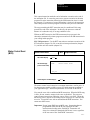
When you use a specialty I/O module, you must indicate the type of module
to the HHT. The configuration menu provides a list of available modules to
select from. Each module is pre–configured, so after selecting the module
from the list you have the option of viewing its configuration by pressing
[F5], ADV_SET, advanced setup. Alteration of the fields is not
recommended since these fields are pre–configured. However, if you select a
module not listed, you may be required to alter some of the fields. Refer to
your specialty I/O module user manual for more information regarding the
required parameters.
To configure a specialty I/O module not listed:
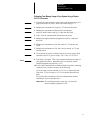
1. Configure your SLC 5/02 processor, racks, and standard I/O as described
earlier.
2. Assign the specialty I/O module to an open slot in your rack. We are
using slot 6 in a 1747–A7, 7–slot rack for the following example. We are
also using the Remote I/O Scanner Module, catalog number 1747–SN for
this example. Refer to RIO Scanner User Manual, catalog number
1747–NM005, for a detailed description of the parameters.
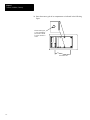
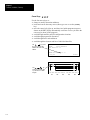
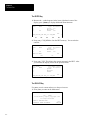
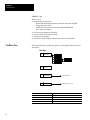
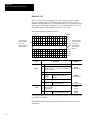
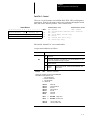
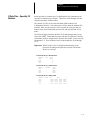
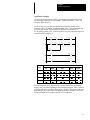
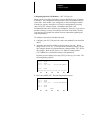
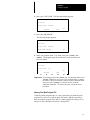
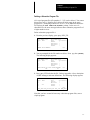
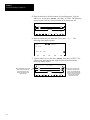
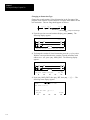
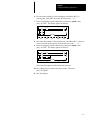
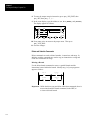
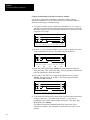
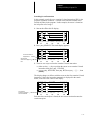
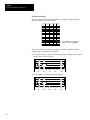
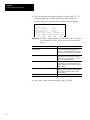
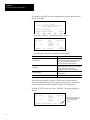
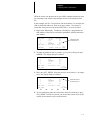
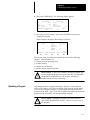
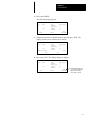
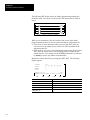
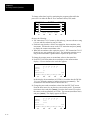
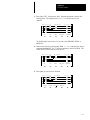
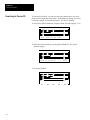
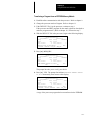
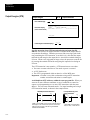
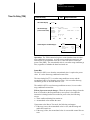
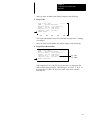
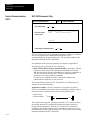
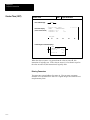
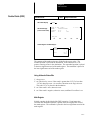
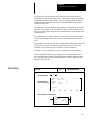
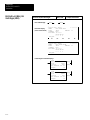
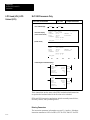
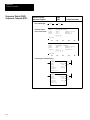
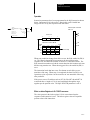
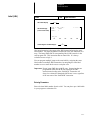
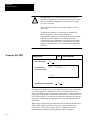
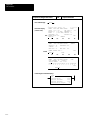
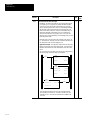
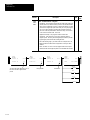
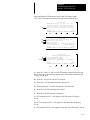
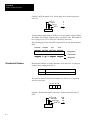
From the previous display press [F3], EDT_I/O and [↓] five times. The
following display appears:
Rack
Rack
Rack
Slot
1
2
3
0
=
=
=
=
1746–A7
NONE
NONE
1747–L524
7–SLOT RACK
CPU–4K USER MEMORY
Slot 6 = NONE
MOD_RCK MOD_SLT DEL_SLT UND_SLT ADV_SET
F1
F2
F3
F4
F5
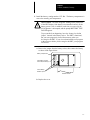
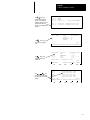
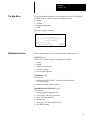
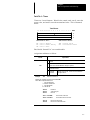
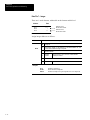
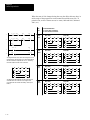
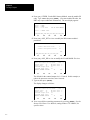
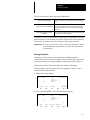
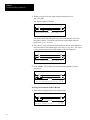
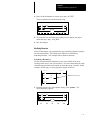
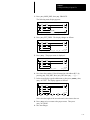
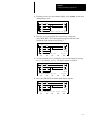
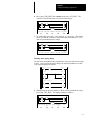
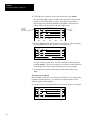
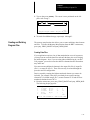
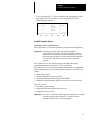
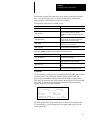
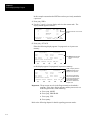
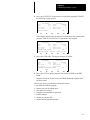
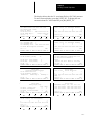
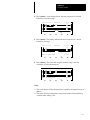
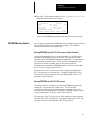
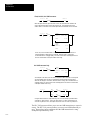
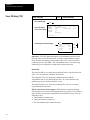
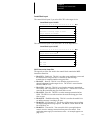
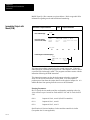
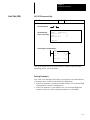
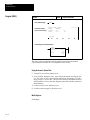
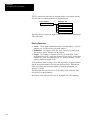
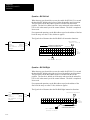
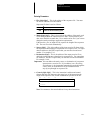
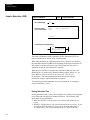
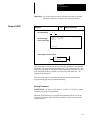
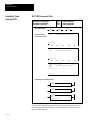
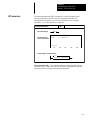
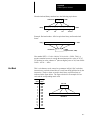
3. Press [F2], MOD_SLT. The following display appears:
Rack
Rack
Rack
Slot
1
2
3
0
=
=
=
=
1746–A7
NONE
NONE
1747–L524
7–SLOT RACK
CPU–4K USER MEMORY
Slot 6 = NONE
Slot 6 = NONE
OTHER
F1
F2
F3
F4
F5
6–5